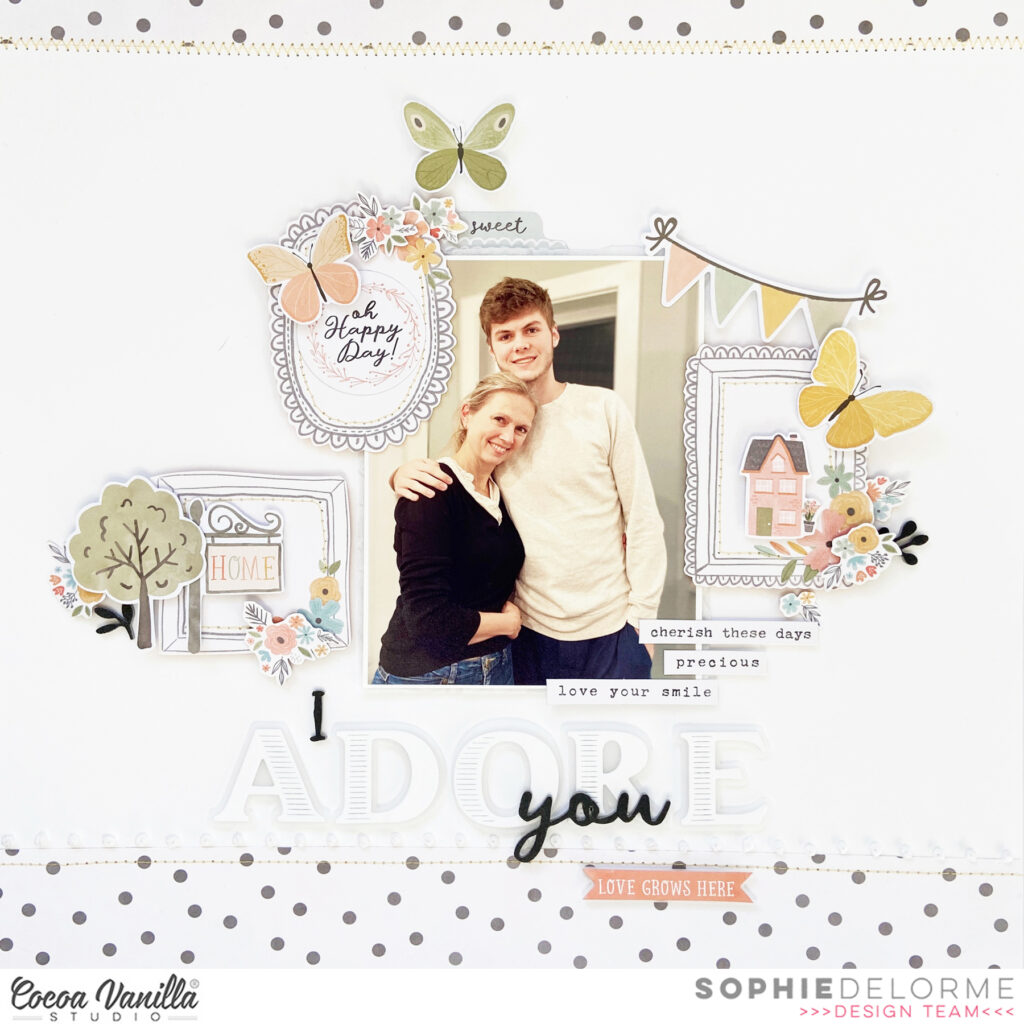
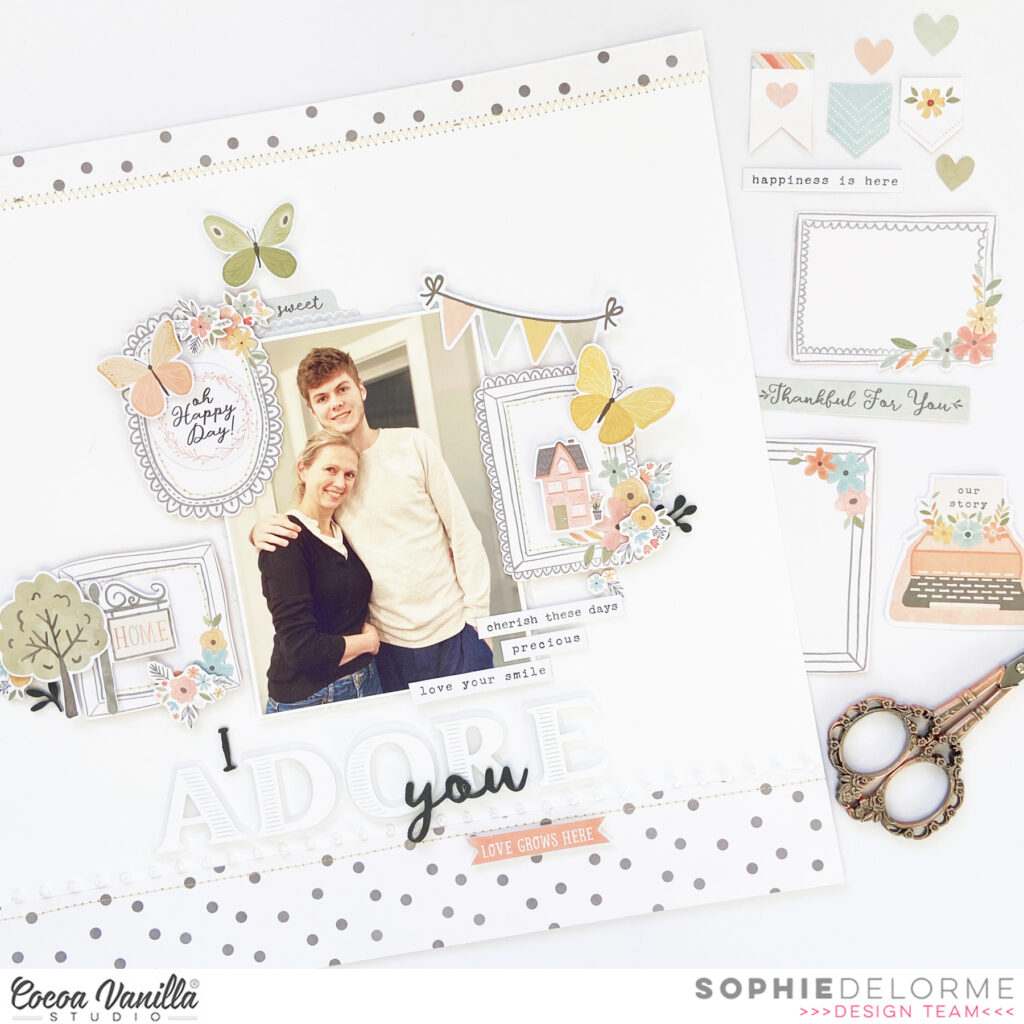
I cut two strips of the “Take Flight” polka dot paper and placed them on the top and bottom part of a 12×12 thick white cardstock. I added some stitching with yellow thread and white embroidery floss.
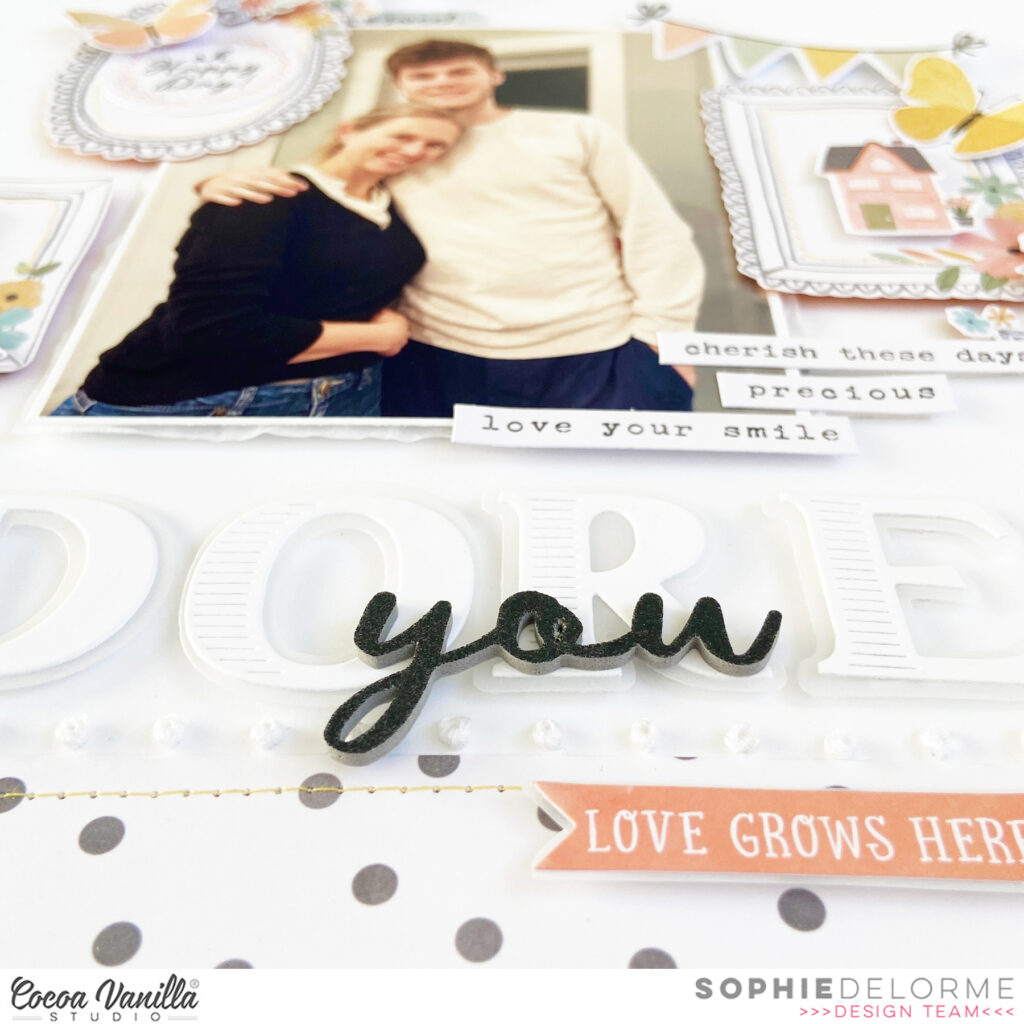
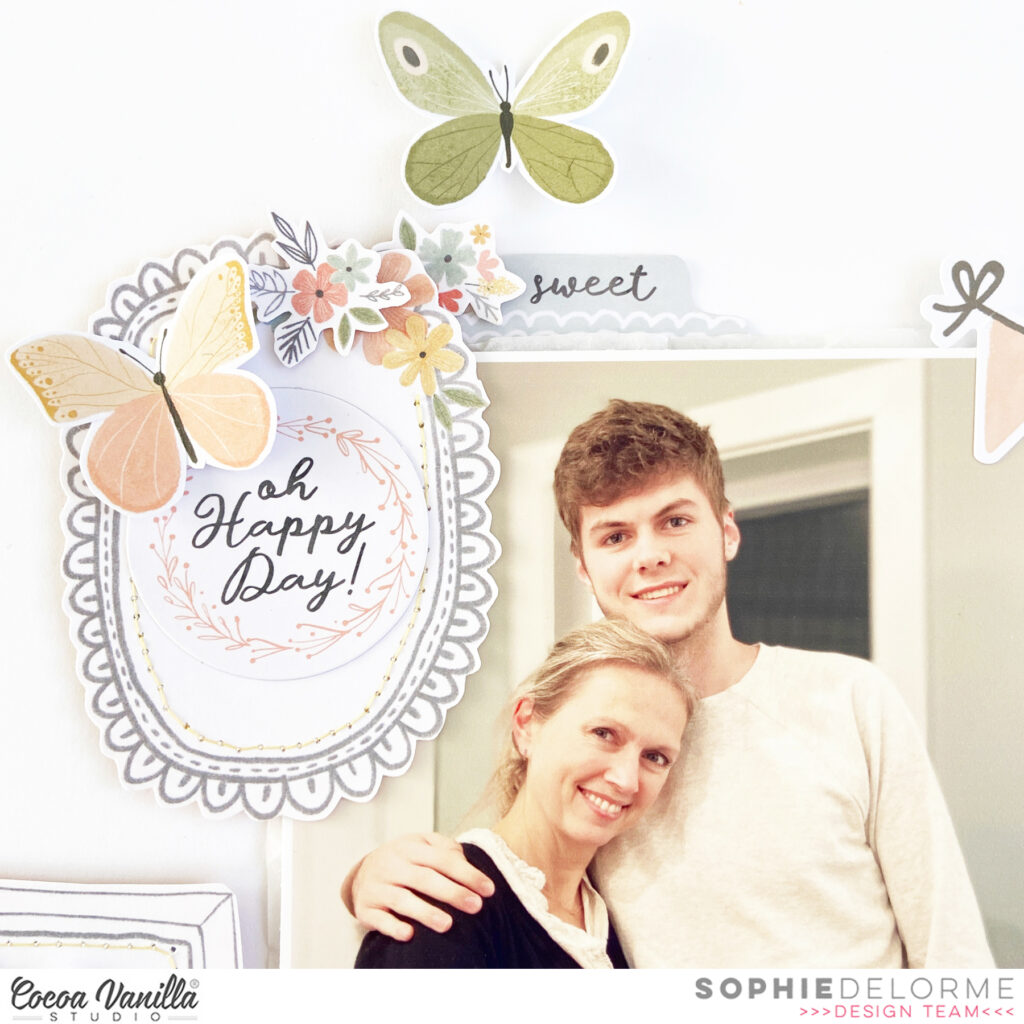
I used a precious photo of me and my son Gabriel. I mounted it on tissue paper and foam adhesive, and centered it on the page.
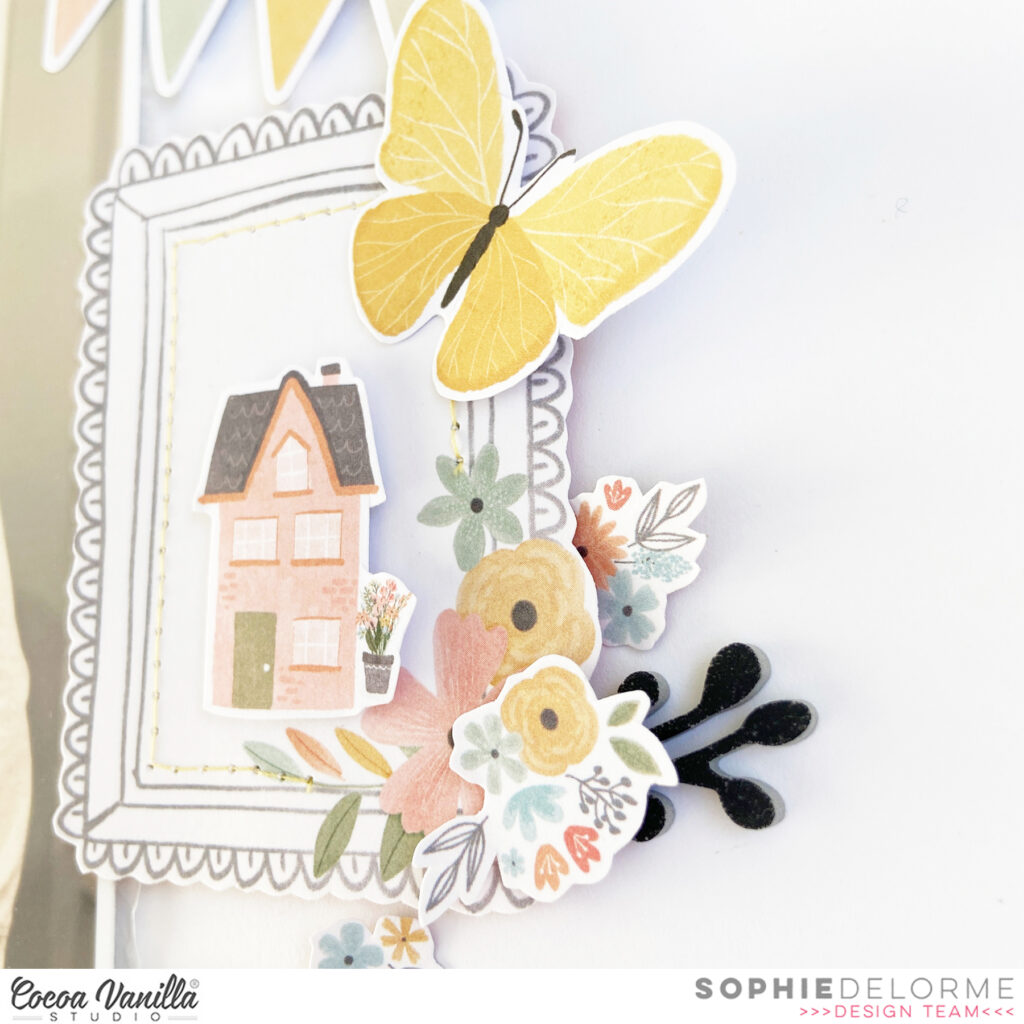
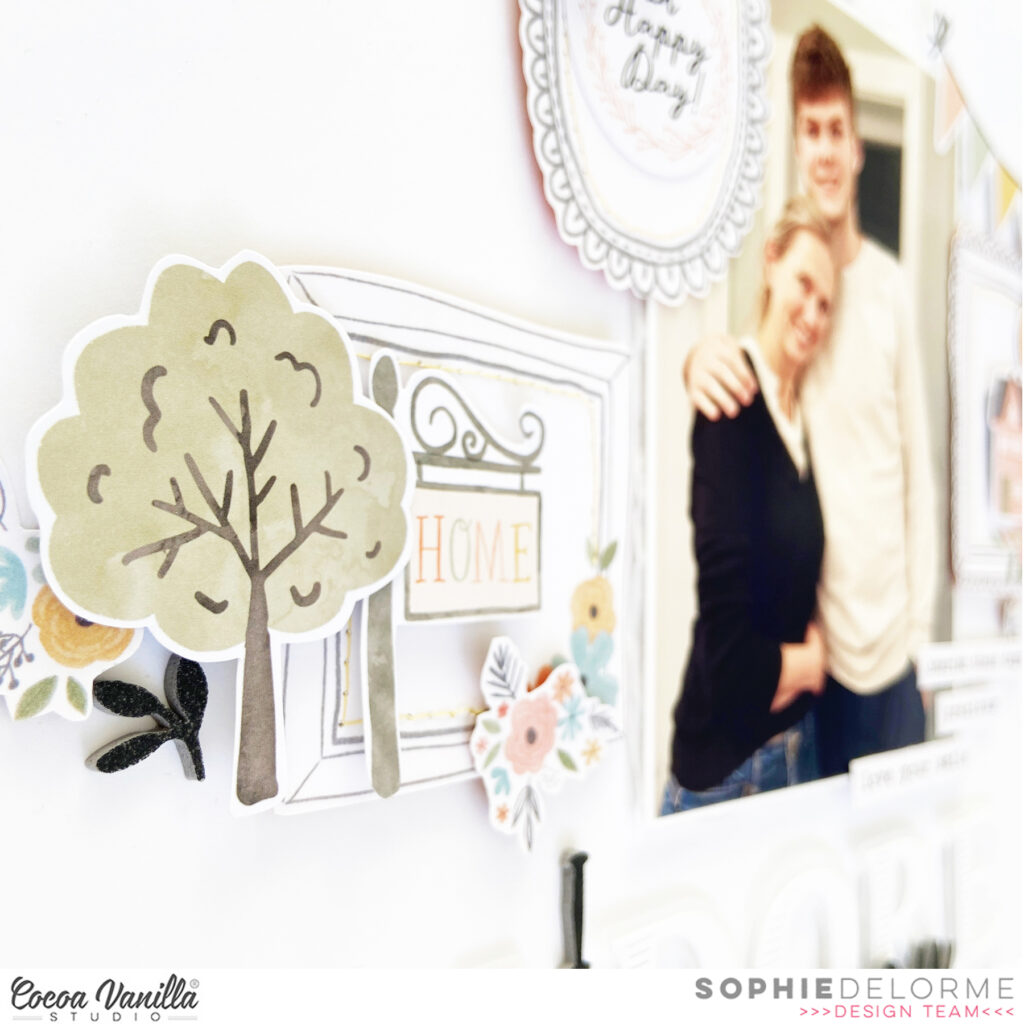
I fussy cut three frames out of the “Wall of Fame” paper that I placed around the photo, and decorated them with Die Cut Ephemeras, stickers and fussy cut flowers.
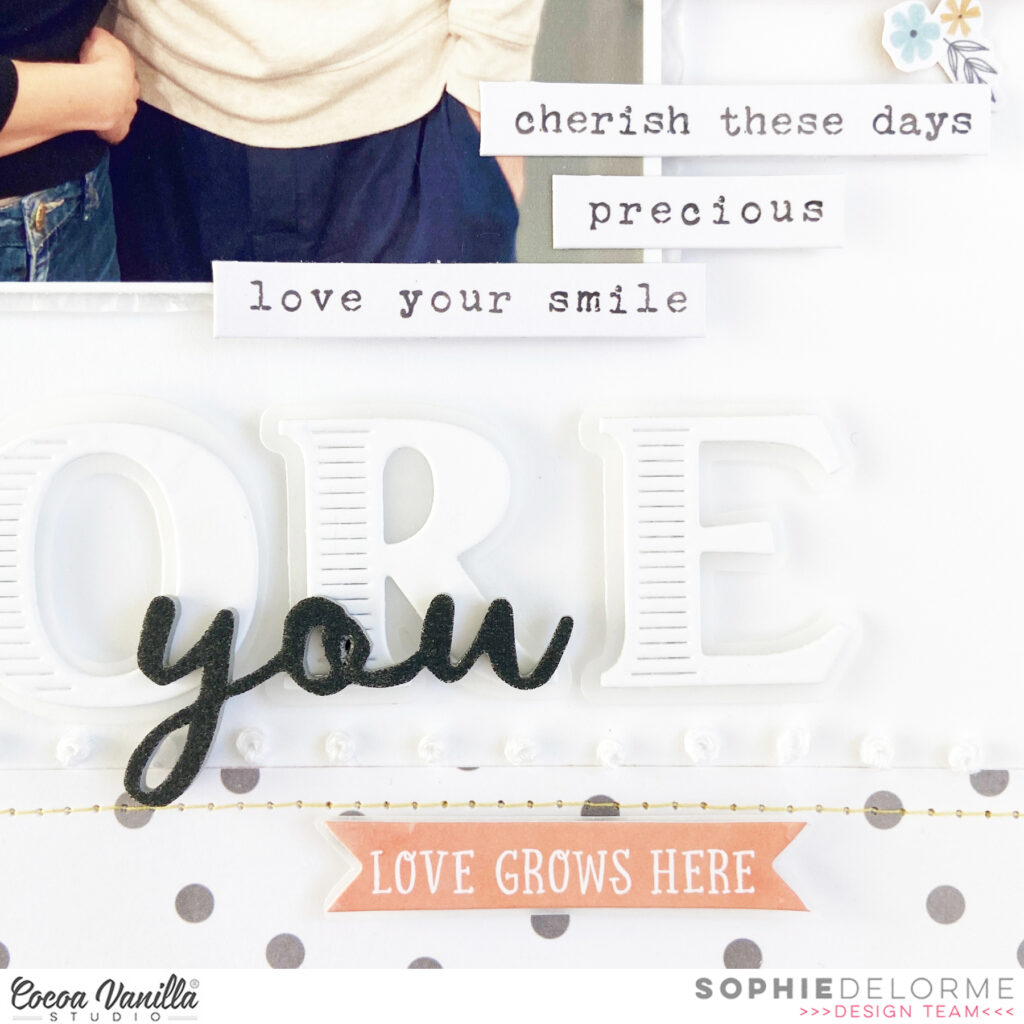
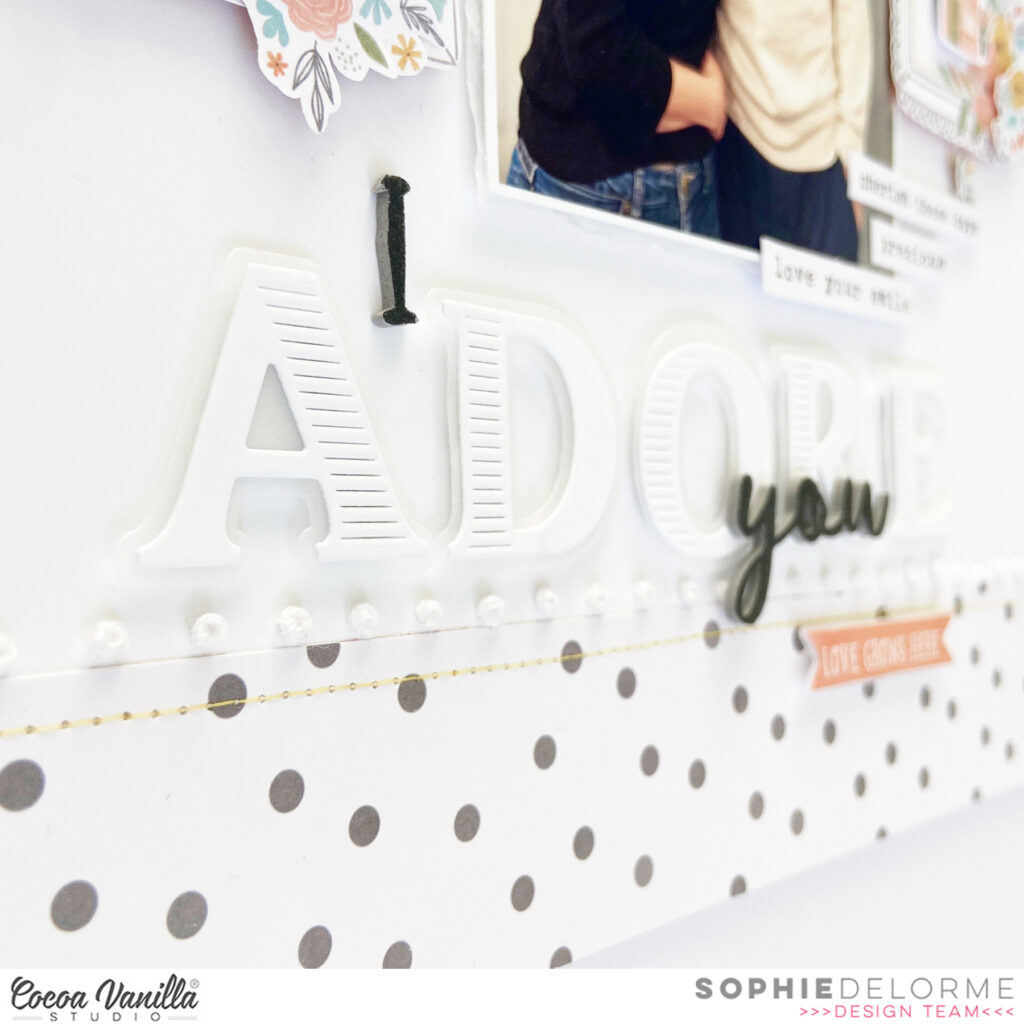
I created my title with a mix of alpha dies from my stash and some Foam Title Stickers from the collection.
I placed a few phrases from the Accessory Stickers sheet, and scattered a few butterflies as the finishing touch.
Here are more close-ups:
I am so happy with the result and hope you like it too!
Hey CVS fans, welcome back to the blog and I’m so excited to share my first page using the BRAND NEW ‘Happy Days’collection.
This collection is so bright and fun with lots of cute icons…. I don’t think it would be possible to not create something that would make your heart happy. Here is a look at my page..
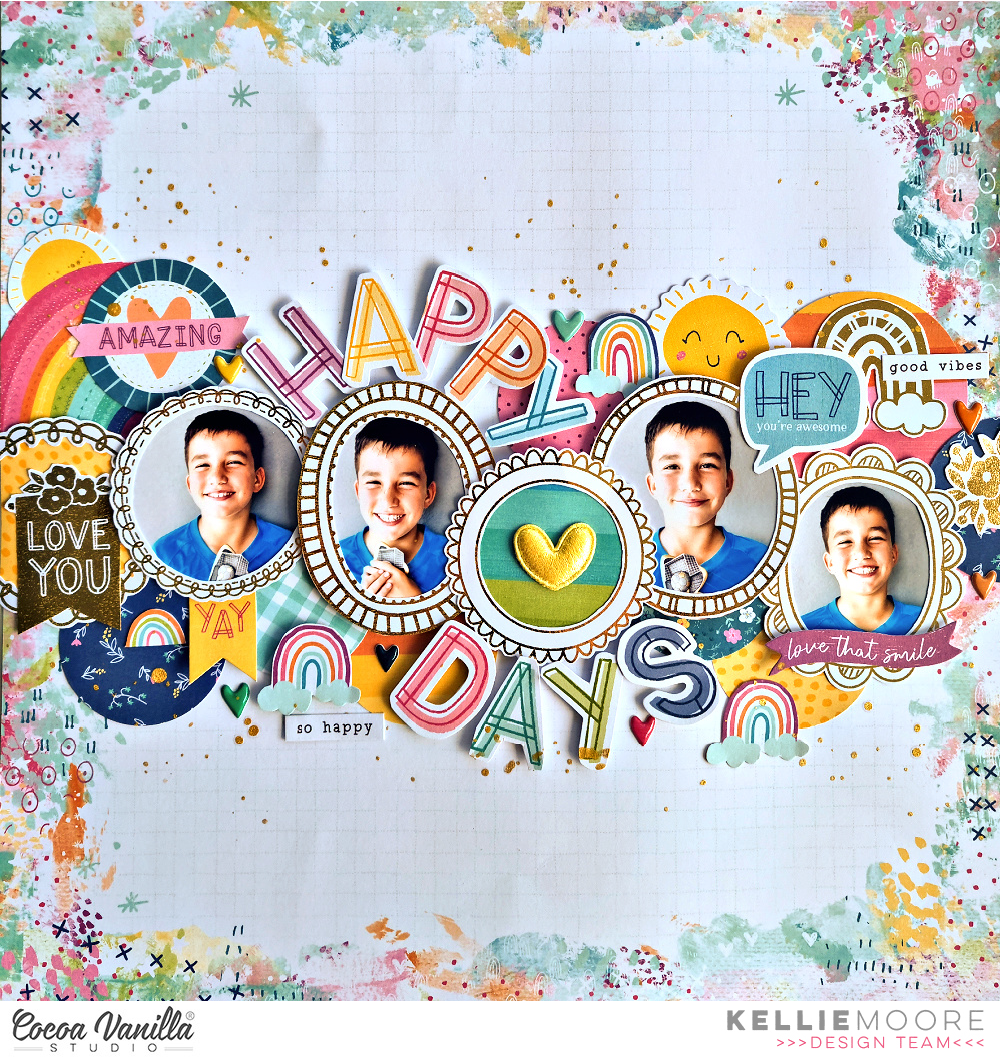
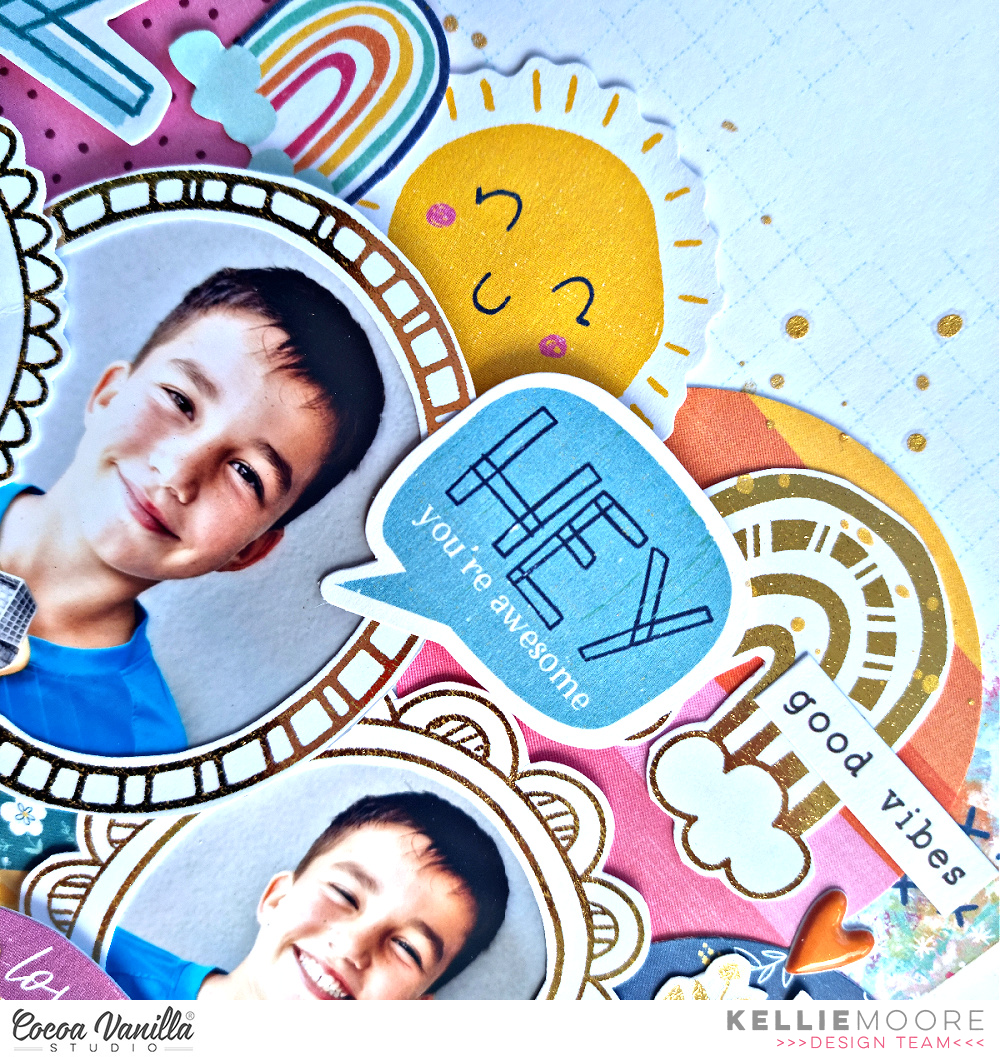
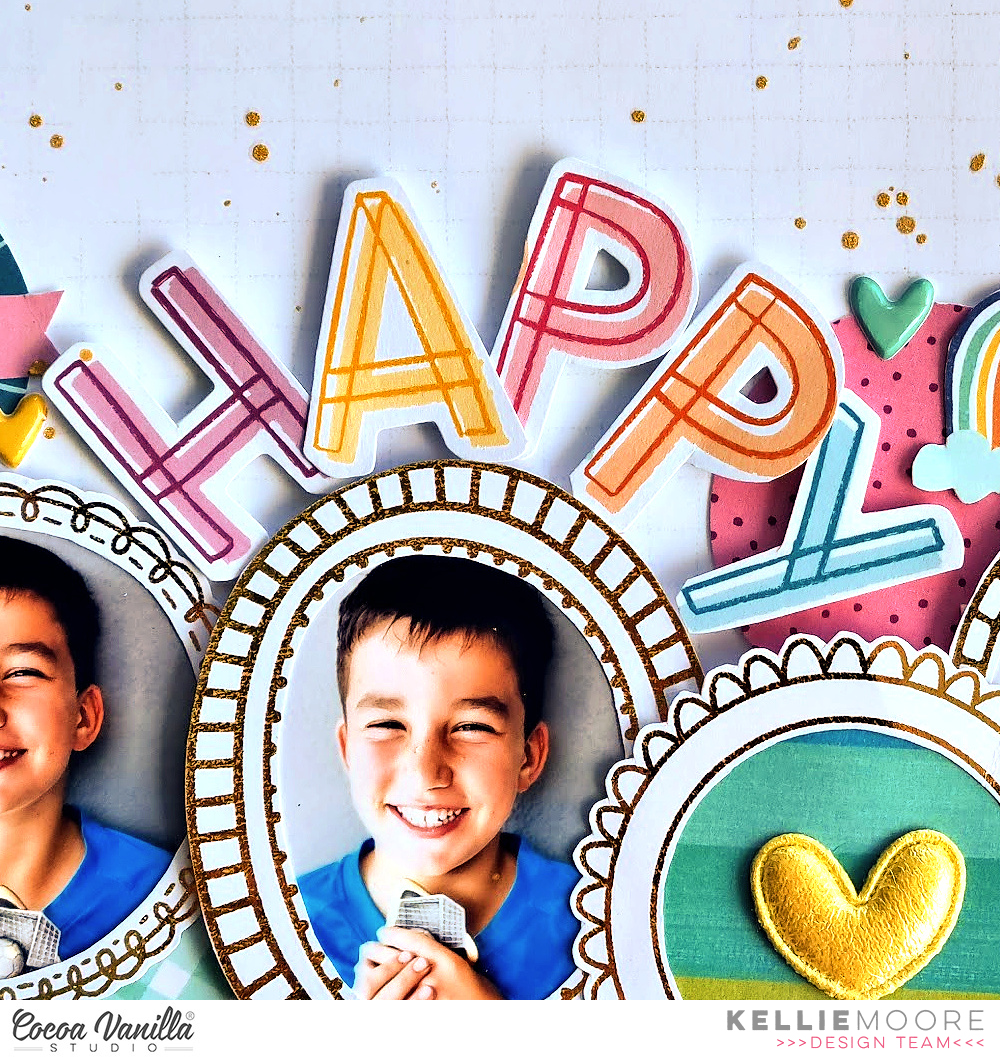
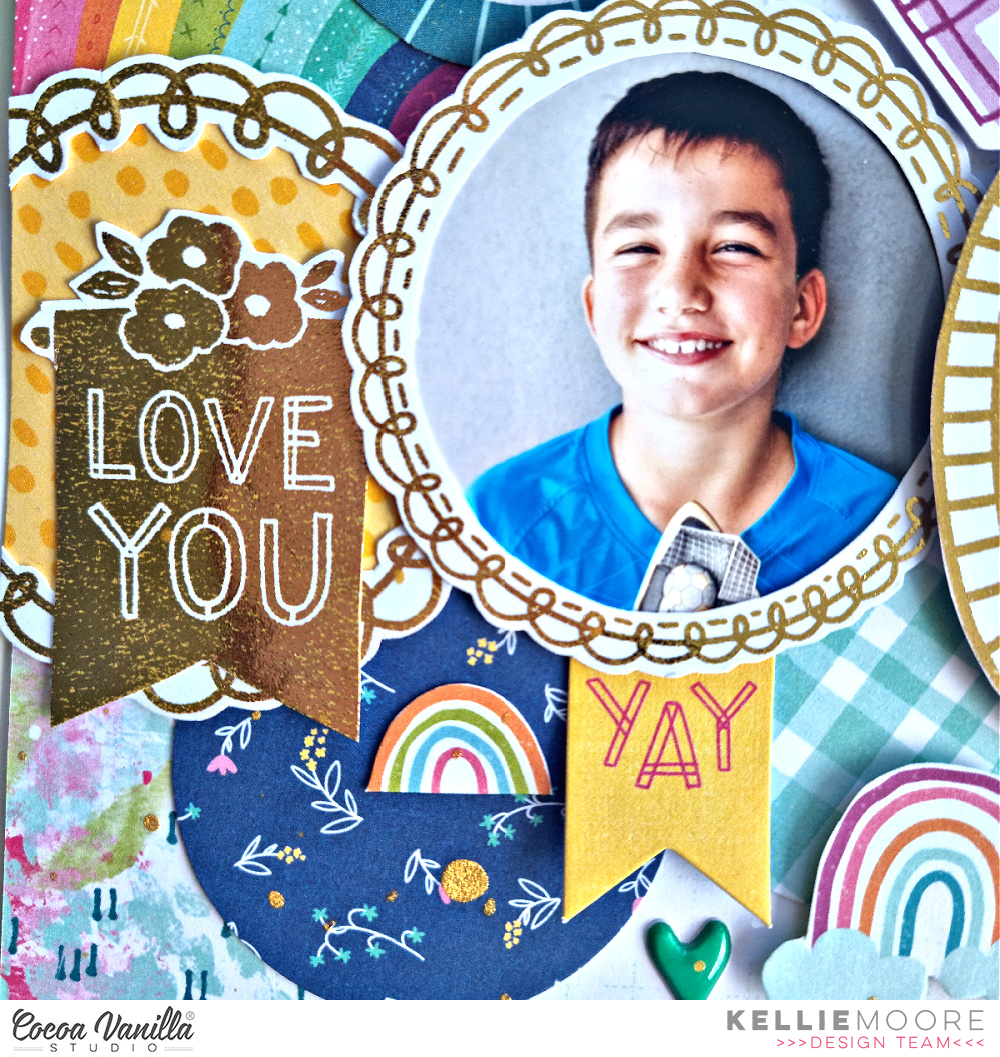
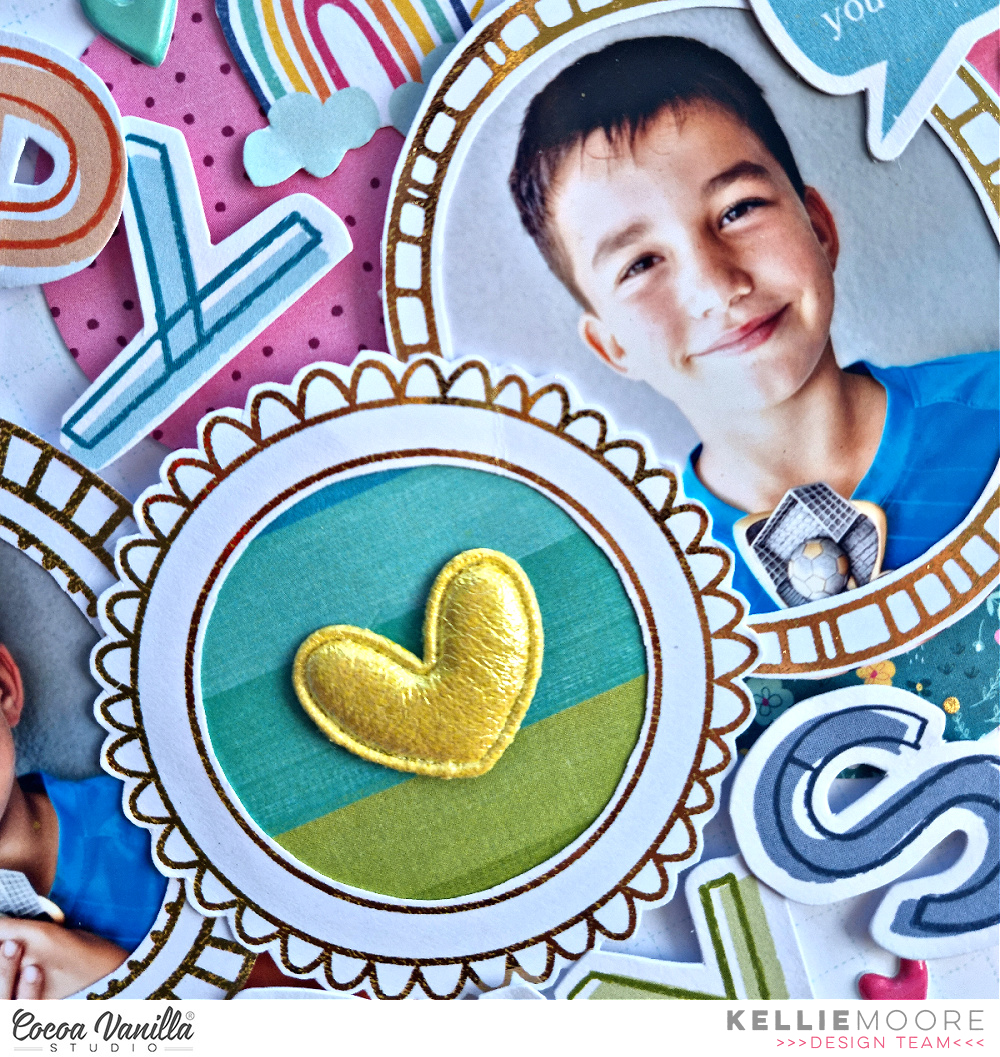
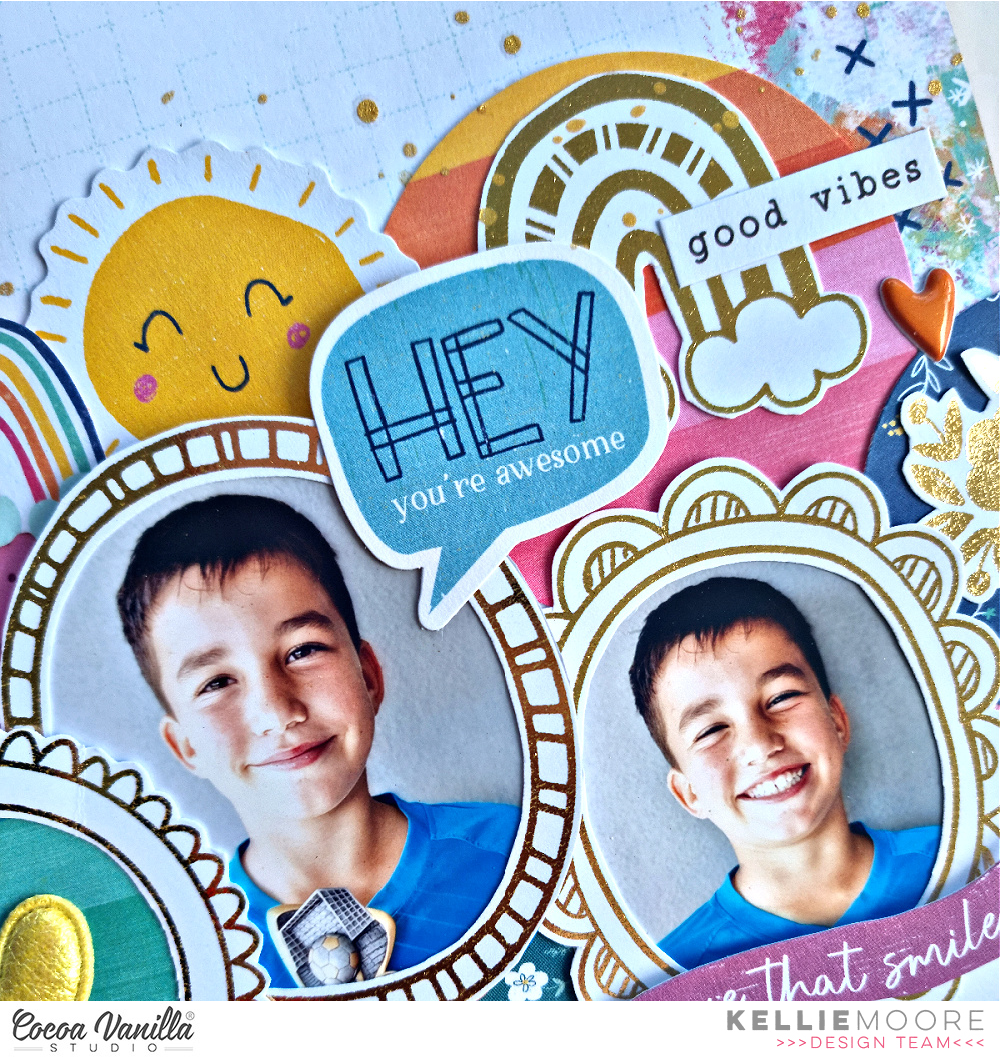
My assignment for today was to focus on the specialty paper from this range. It is a full sheet of gold frames with lots of cute icons such as butterflies, cameras, florals etc. I was immediately inspired to cut the whole sheet up and use some of the pieces individually. To start I pulled out some of the circular frames and decided these would form the base of my page, popping my photos behind some of them.
My background paper is the gorgeous ‘Juicy Fruit’paper … I love this paper for the mixed media look it has around the edges.. a great way to have the mixed media look without the mess!
I positioned my photos horizontally across the middle of my page, then I added some circles cut from the 6×8 paper stack to add more colour to my page.
For my title I used the ‘Happy Days’ die cut piece from the ephemera pack. I cut the letters out individually so I could wrap them around the circles….the word ‘Happy’ at the top, and ‘Days’ at the bottom. I love how this looks and emphasis’ the circular look. I also popped these up on foam to pop them off the page.
I wanted to add some of the icons from the specialty paper…you will see I added a banner on the left side of my page and a rainbow and florals to the right.
Next I added a bunch of pieces from the ephemera pack, some stickers from the ‘Accessory Sticker Sheet’ and I also cut some rainbows out from the ‘Sunshine Lollipop’patterned paper.
The ‘Puffy Hearts’are so sweet and dimensional so I HAD to add one to the centre of my page …they are a little sparkly too which adds to the fun!
To finish my page I used some of the Puffy Stickersand a light spray of gold mist…
I hope you are excited to get your hands on this collection and get creating. I cant wait to create more with Happy Days!
Hi y’all! Diving into one of my favorite collections today! I absolutely love the bold red and navy in the No Limits collection, so it is one I automatically reach for to scrap photos of my sons. For this photo of my son in his new snarky t-shirt, it was perfect!
I focused primarily on using up a ton of paper scraps on this one! The small stripes of color on the branding strips and 1/4 to 1/3 inch strips leftover from previous layouts were layered together to create a fun, colorful background on the Spark patterned paper.
To extend my photo cluster, I tucked in two cut apart pieces from the A5 paper stack to the right side of the photo. To give the photo more presence on the page, I added a frame from the ephemera pack that I cut in half and wedged in on either side of the photo cluster. Then, I finished it with a light embellishing of stars, cut apart phrases, and a chipboard title for a finishing touch!
I hope this layout inspires you to try and use up those tiny paper scraps and branding strips floating around your stash! If you’d like to see how “You’re Epic” came together, check out the process video below!
Hello everyone! It’s Anna here with something a little bit different than usual! I know you love all the layouts (and I love them too), but sometimes you are not in the mood for memory scrapbooking. Sometimes you just want to have some fun, use up some embellishments and make something useful. This was exactly my motivation to make this notebook, that can be used as a diary. I am impatiently waiting for the brand new “Happy days” collection to arrive to my doorstep. In the meantime, I still have plenty of other gorgeous lines to play with so I chose “Storyteller” to make my notebook. You can still find plenty of elements from this line in CVS Shop!
As I mentioned, I made this notebook from scratch. If you would like to make something similar, you would need a binding machine like Cinch. I own this tool for years and it still serves me well. I use it to make not only notebooks but also mini albums.
If you would like to make something similar and you have a proper tool, you need to start with choosing your size. I was using A5 sized inserts so my cover needed to be a little big wider and taller. Depending if you wish to add some dividers or tabs, the cover can be a bit wider or shorter – it’s the big advantage of making your own notebook from scratch. I chose “Dits daisy” pattern papers for my front and back covers. I simply cut out pieces of cardboard to the needed size and wrapped them with paper.
I also cut smaller rectangles for the insides of both covers using pretty paper with florals. Now you are ready to punch holes in the covers. You can adjust how many you want, how long the wire should be – it’s all up to you.
From A5 Paper Stack Pack I chose few sheets to add them between the pages of the notebook. They can be used as a dividers or just some decorative pages, to add something extra to your notebook. I gathered them along the regular sheets and made holes too. With covers and inserts prepared I was ready to bind everything together with 1 inch wire.
After everything was connected, i could start embellishing pages and covers. I started with the dividers, adding some stickers from 6*12 Stickers Sheet and Ephemera Pieces. I challenged myself to use up the whole sheet of stickers and I managed to do so! Mission of making room for new collection completed! :)
I tried to keep the decorations as flat as possible so the notebook wouldn’t turn out too bulky. It will not close nicely if you add to many dimensional elements inside. However, I added Foam Title Sticker on the first divider and on the notebook cover.
I also added a big pocket on the back cover to hide some extra journaling cards to add to the pages later. You can also keep there some memorabilia! Pocket is decorated with Floral Ephemera. I also added a wreath of flowers on the front cover.
How do you like my idea of handmade notebook? You can use it by yourself or give away as a gift! And you can easily make one with collection leftovers so use up all the bits and pieces!
That is all for today. I will be back in two weeks with another inspiration. Maybe even made with brand new line! Fingers crossed for the fast shipping. “Happy days” is totally my jam and I can’t wait to dive into those yummy colors.
Hi everyone, Its Melissa here and I’m back with a new layout. Its Thursday which means Throwback time! Yay!! What I love the most about Throwback Thursday is going through my stash of gorgeous Cocoa Vanilla Studio and deciding which collection to create with! For this layout I decided to use the beautiful Daydream collection to document a family photo from Mother’s Day 2021.
This collection has gorgeous florals, and for this layout I decided to feature ‘Daisy Days’. A great way to feature a patterned paper is to tear it, and place it on a white background. This enables breathing space against a busy paper, and the use of mixed media helps integrate the two paper and cardstock. I used a distress oxide ink and the packaging technique to create some interest.
I used lots of ‘Die Cut Ephemera’ florals for my embellishing, some ‘Accessory Stickers’ and also a couple of fussy cut moths from ‘All Aflutter’. I bent up the edges of the flowers for interest and dimension. I was also very happy to get one of the ‘Flair Buttons’ onto the page!
For my titles I used one of the ‘Die Cut Ephemera’, and a word from the ‘Die Cut Titles’. I love that combining the two made for a very easy title!!
I hope you enjoyed seeing a layout created with Daydream, and I hope I’ve inspired you to dig into your Cocoa Vanilla Studio stash. If you’re like me you may want to hoard pretty supplies, but there is nothing like using up products and documenting memories!
I hope you all had a wonderful easter weekend and welcome to the Cocoa Vanilla blog today! On this layout, I turned myself into an Easter bunny and chose for the amazing “Daydream” collection. One of my favorite things to do at Easter is painting eggs and, of course, baking fresh Easter cupcakes with the kids. The beautiful soft pastel shades from the “Daydream” collection fit this Easter theme perfectly. The cutfile of the bunny ears and the Easter eggs are from the Cricut store.
First, I cut eight strips of patterned paper to size and use two edge punches from Martha Stewart and stitch the top of the strips with light blue sewing thread. I place the strips of patterned paper centered on the white cardstock.
I placed my Easter selphy on top of the paper strips and start decorating on the left side of the photo. I used different embellishments from the “Daydream” collection and a view elements from the “These Days” collection. I found a view butterflies from my previous scrapbook project and they fit the theme perfectly. I layered the flowers, butterflies and a cute yellow heart from fabric by using double-sided tape and 3D foam.
I cut three Easter eggs from a piece of white cardstock just as I did with the bunny ears. I colored the eggs with three different colors of distress oxide inks. ( evergreen bough, mustard seed and kitch flamingo) I playfully lay the colored Easter eggs on top of each other on the right side of the photo then I placed the rabbit ears above the photo and I think it gives a very funny snapchat effect.
In some places of the strips of patterned paper I curl and fold it a little bit. With white gesso I make some fun and festive splatters on my layout. For the title I use the word “Happy” from the Cocoa Vanilla word ephemra and used a mustard colored alpha set from my own stash to create the word easter.
I want to thank you for visiting the Cocoa Vanilla blog today and hope I was able to inspire you with the Easter bunny layout. I wish you a beautiful and happy day and until next time.
XoXo,
Jo
It’s Tarrah back with you today, I hope you are enjoying Easter celebrations with loved ones! I was given the theme of Easter for my project this week and have created a scrapbook layout featuring the gorgeous Happiness collection! The Happiness collection is so beautiful and perfect for my Easter themed layout documenting a sweet photo of my niece from last Easter!
I chose the gorgeous woodgrain paper from the Happiness collection for my background and trimmed down a piece of white cardstock to measure 11′ x 11′ adhering this on top of the woodgrain paper. I then machine stitched a border around the edge to add some texture and interest. Next I cut out a pretty floral Easter egg cut file from CUT to YOU from white cardstock also. I did attempt to machine stitch the very fine egg outline of the cut file, however it did not go that well with how thin this piece was. I took the A5 paper stack and chose some pretty papers from it to back the flowers and leaves in the cut file with. This was the most time consuming part of this layout but I LOVE how it looks. Once the flowers and leaves were all backed, I added craft foam to the underneath and adhered it in the centre of the white cardstock background. The thin outline of the egg, I did adhere this flat to the background as any sort of foam adhesive would have been visible.
I wanted to add a little bit of mixed media ( I know! Shock!) but not too much so I took a fine paintbrush and dipped it into my Tumbled Glass distress Oxide ink and painted around the outline of the egg shape on the right. I also added some water and the ink on some plastic packaging and did some small mist drops around the edge in 3 colours: Tumbled Glass, Spun Sugar and Worn Lipstick. I love how the subtle misting and painting looks to define the cut file a bit more. One thing I love about cut files is, that they often help with the design of your page, with this one in particular, my photo placement was obviously going to be to the right of the florals. I adhered my photo to the die-cut frame, tucked in the frame from the Accessory Sticker sheet, added some twine through the hole in the top and then added craft foam underneath the frame to adhere it to my page. I stapled a banner sticker to the top right corner, added the phrase banner at the top and also added my title to the bottom of the frame.
To the left on top of the flowers in the cut file, I added more flowers from the floral ephemera pack, I just LOVE how bright and gorgeous those flowers look! I also added another flower on the right hand side, tucking it in under the frame. I also fussy cut some butterflies out of the ‘B’ side of the woodgrain paper and adhered those on the right as well. I bent up the wings to give the sense of movement and dimension on the layout. I added a heart from the clear sticker sheet here as well. Like with all of my layouts, I like to get the largest elements laid on my pages first and then embellish with smaller things like die-cuts and stickers etc.
My title is made up of the alphabet stickers from the Life is Beautiful collection. At the top of the photo, I tucked in the ‘Fun’ ticket die-cut from the ephemera pack and stamped the date stamp of when the photo was taken. I also added some of the word and phrase stickers from the Accessory sticker sheet around the page to help tell the story of my photo.
Thanks so much for stopping by the Cocoa Vanilla blog today! I hope you enjoyed reading about how I created my layout as much as I enjoyed creating it!
Hi everyone, it’s Sue Plumb here to share my latest design team project with you. As we are currently enjoying the Easter break and counting down to the arrival of the bunny tomorrow, I wanted to share a layout featuring one of my favourite Easter photos of my kids. This one was taken 10 years ago, when my boys were still babies – I miss those little squishy faces!
For my layout I decided to dig DEEP into my stash and pull out a collection that I have used for Easter projects before – ‘Make a Wish’. Although this collection was originally designed as a birthday collection, it had the perfect colour palette for my cute Easter page.
Although I was working with ‘Make a Wish’, I did borrow the background paper from the ‘These Days’ collection as I wanted to start with a yellow base. I then applied some blue acrylic paint with a brayer to help define the focal area.
As I had some of the chipboard sheet left, I decided to use one of the frames to frame my photo with. (This is not something I often do, as I usually prefer to use frames for layering around my page.) I also added a couple of layers of patterned paper behind it, along with a small yellow paper doily and some frayed gauze for texture.
I knew before I started this layout that I wanted to include an egg shape on my page, so I decided to create a broken egg from patterned paper and position my photo as though it had come from inside the egg. I used a simple template and traced around it onto the paper, then cut it and positioned the pieces on either side of my photo, adding a little foam tape underneath to help pop it up from the page. I also cut out a strip of hand drawn grass which helped anchor everything on the page.
Tucked amongst the grass on the left side of my page, I added a sweet little chipboard bunny from the ‘Joyful’ collection. As the bunny was wearing a small sprig of mistletoe on its head, I covered it up with a small heart from the ‘Make a Wish’ Die Cut Ephemera pack.
From the same ephemera pack, I used a number of floral and leafy pieces to add some clusters around my page; plus two hearts, a pink bow and a butterfly. (You didn’t really think I’d have no butterflies on this page did you? haha) I added text to my page using a mix of stickers from the Accessory Sticker sheet and a couple of chipboard pieces. (I especially loved the fact the small phrase stickers featured a mix of different coloured text.)
A tiny arrow from the puffy sticker sheet was the only other embellishment I used, then some pretty blue splatters around the page and I was done.
I hope you have gained some inspiration for scrapping your own Easter photos, and enjoyed the walk down memory lane using one of our old collections – I certainly had fun using it again after so long. Wishing you & your families a fun and safe Easter break with plenty of treats from the bunny!
Hello CVS friends! Today I have a layout created using the beautiful These Days collection.
My envelope with hearts cut file is from the Silhouette Design Store, this cut file provides a novel way to include your photo and a journal block.
I created a water colour wash on my background page, mixing up a peach/apricot colour. A great technique to use when you have chosen a patterned background photo. I also tore three edges of my base paper and then backed with a blue paper from the A5 paper pad. I next added my cut file cut in white cardstock.
I used the small floral paper for the actual envelope and then a mix of the two peach coloured papers from the A5 pad. I added these papers with foam tape to create dimension. I also cut a few extra hearts to double layer several of them.
I next added my 3×4 inch portrait photo. I fussy cut the journal block from one of the Pocket Cards and used the word stickers from the Accessory Sticker Sheet.
I created a floral cluster to the right side of the envelope, slightly tucking under the envelope.
I created an embellishment cluster below the floral cluster, adding the books die cut and cup from the Die Cut Ephemera pack, fishing off with another cup from the Clear Sticker Sheet.
I added a smaller embellishment cluster to the left of the envelope cut file, layering and using the Wood Epoxy Buttons to add dimension. I finished off my layout adding a small floral cluster to the top of my photo and a butterfly because I just can’t do a layout without a butterfly somewhere on it!
This layout is quite busy for me but I really wanted to challenge myself by using a patterned background paper instead of my standard white.
Thank you for stopping by and later in the month I have another layout using These Days collection, sadly using the last of what I have.
It’s Sophie on the blog today with a cute layout to share!
I used a collection that I LOVE: These Days! I paired it with a beautiful cut file from Echo Park Paper for the title of my page.
I cut the cut file on white textured cardstock on the left side of the page, and used it for my title. I placed a sweet photo of Sabrina and our dog Fiona right next to the title, mounted the photo on tissue paper, patterned paper and foam adhesive.
I backed the cut file with different patterned papers from the These Days A5 Paper Stack. I popped a few words slightly off from the cut words to add interest and dimension to the title.
I decorated with Die Cuts around the photo, scattered a few butterflies and handwrote my journaling on a wreath cut out from a pocket card.
Here are some close-ups:
This layout came together in no time at all! A big title cut file, a beautiful photo and a few embellishments from an amazing collection is all it takes to create precious memories!
I hope you found some inspiration in my page today,
















 I want to thank you for visiting the Cocoa Vanilla blog today and hope I was able to inspire you with the Easter bunny layout. I wish you a beautiful and happy day and until next time.