
Fun Times | Great Escape | Rachel Lowe
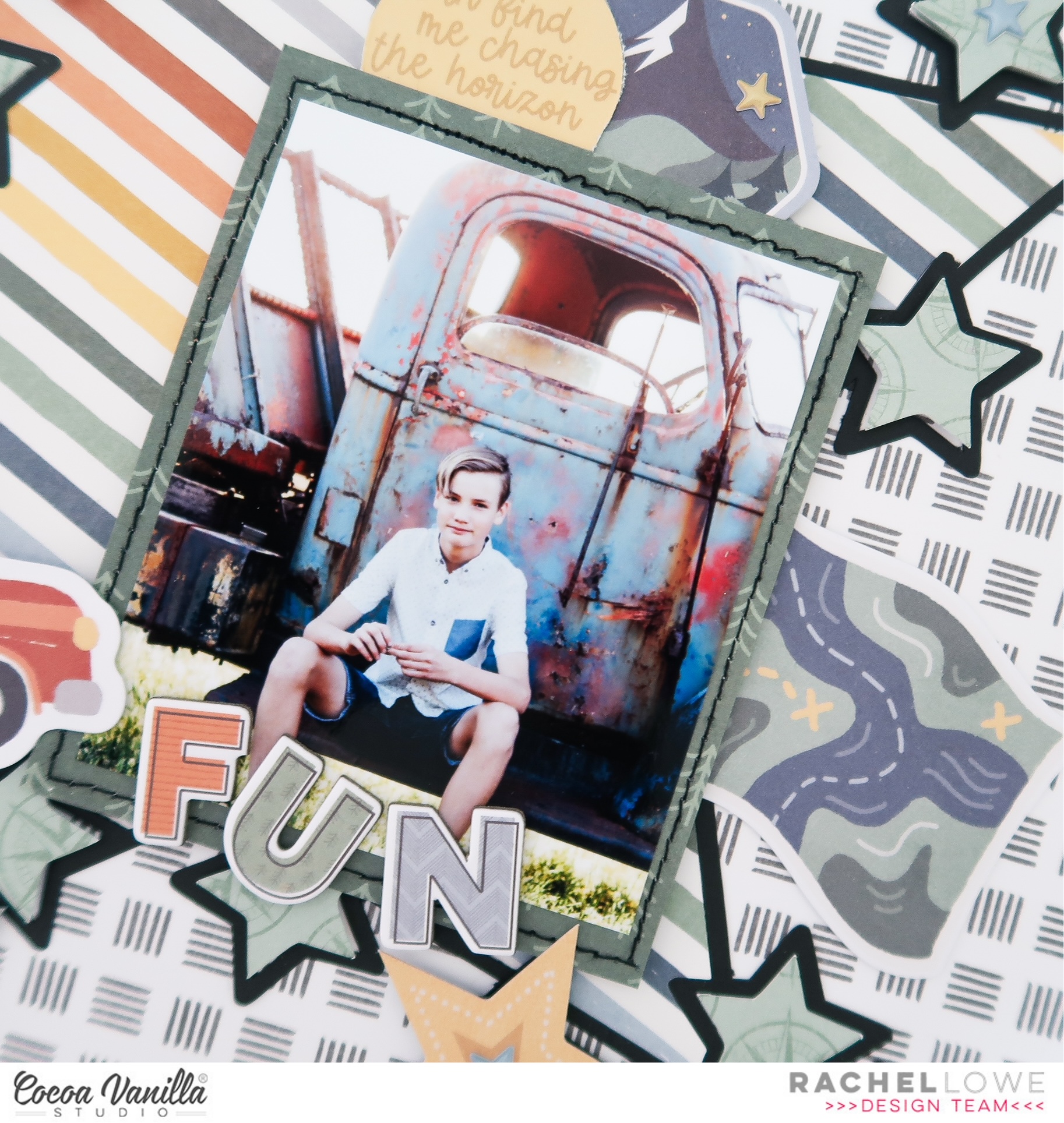
Welcome to my my second layout created using the new fab Great Escape collection. I have scrapped a photo of son number two (I have three!!!) sitting in front of a rusting old car.
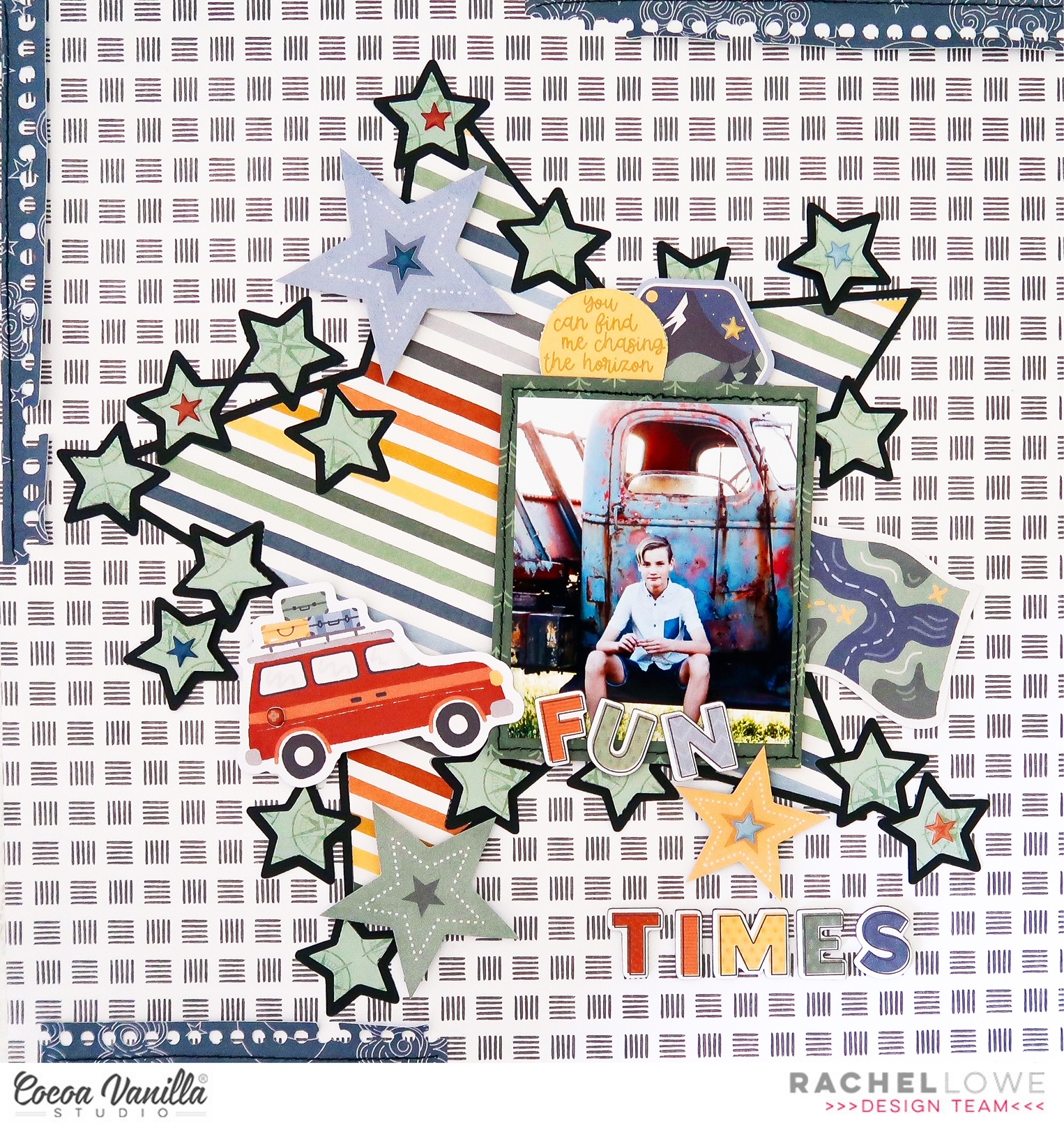
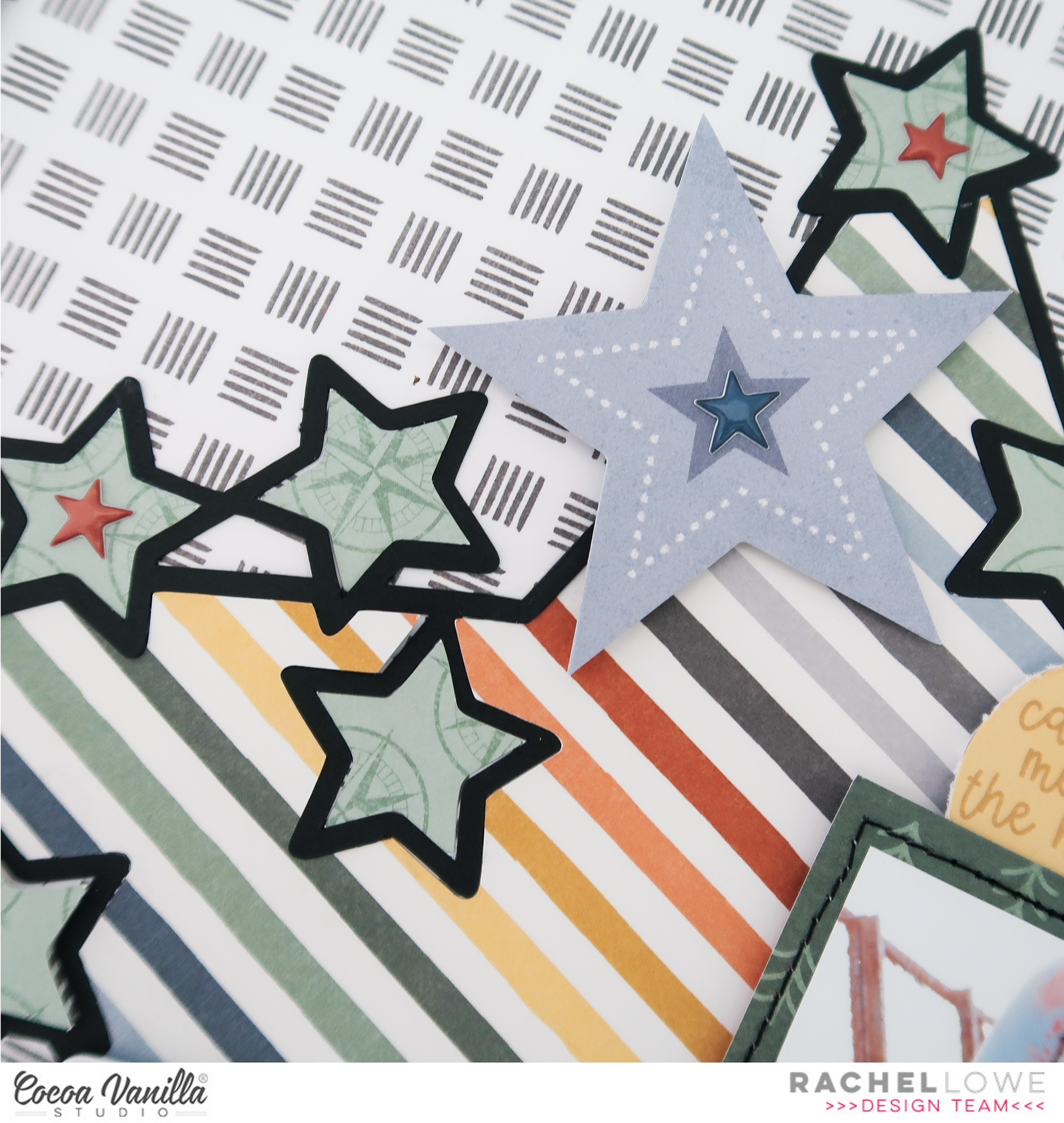
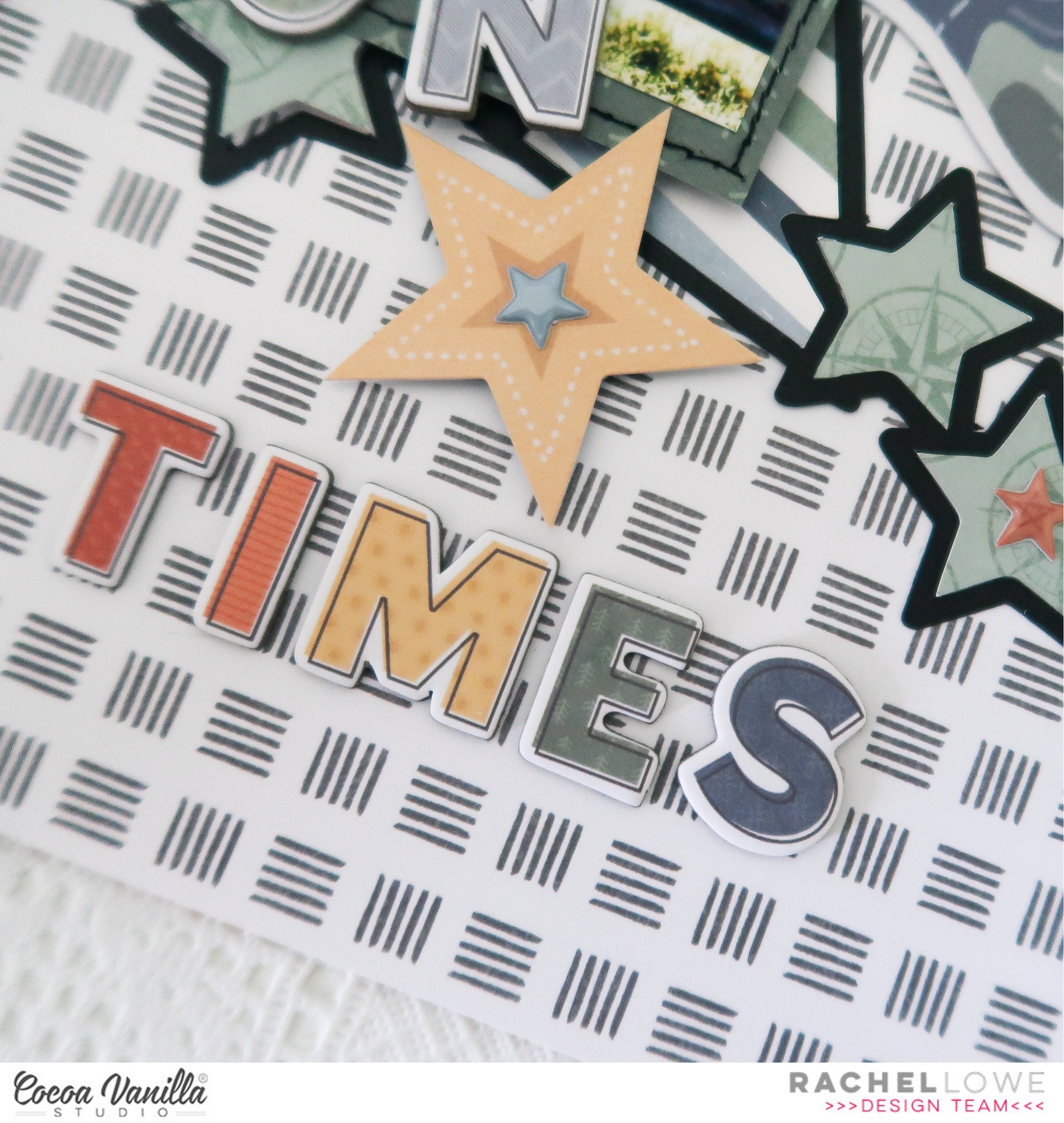
I chose this fab star cut file from the Silhouette design store and cut it in black to create a contrast. I chose the colourful striped Journey paper for the centre star and the green Direction paper for the outer smaller stars. I added foam tape to some of the smaller stars to create dimension.
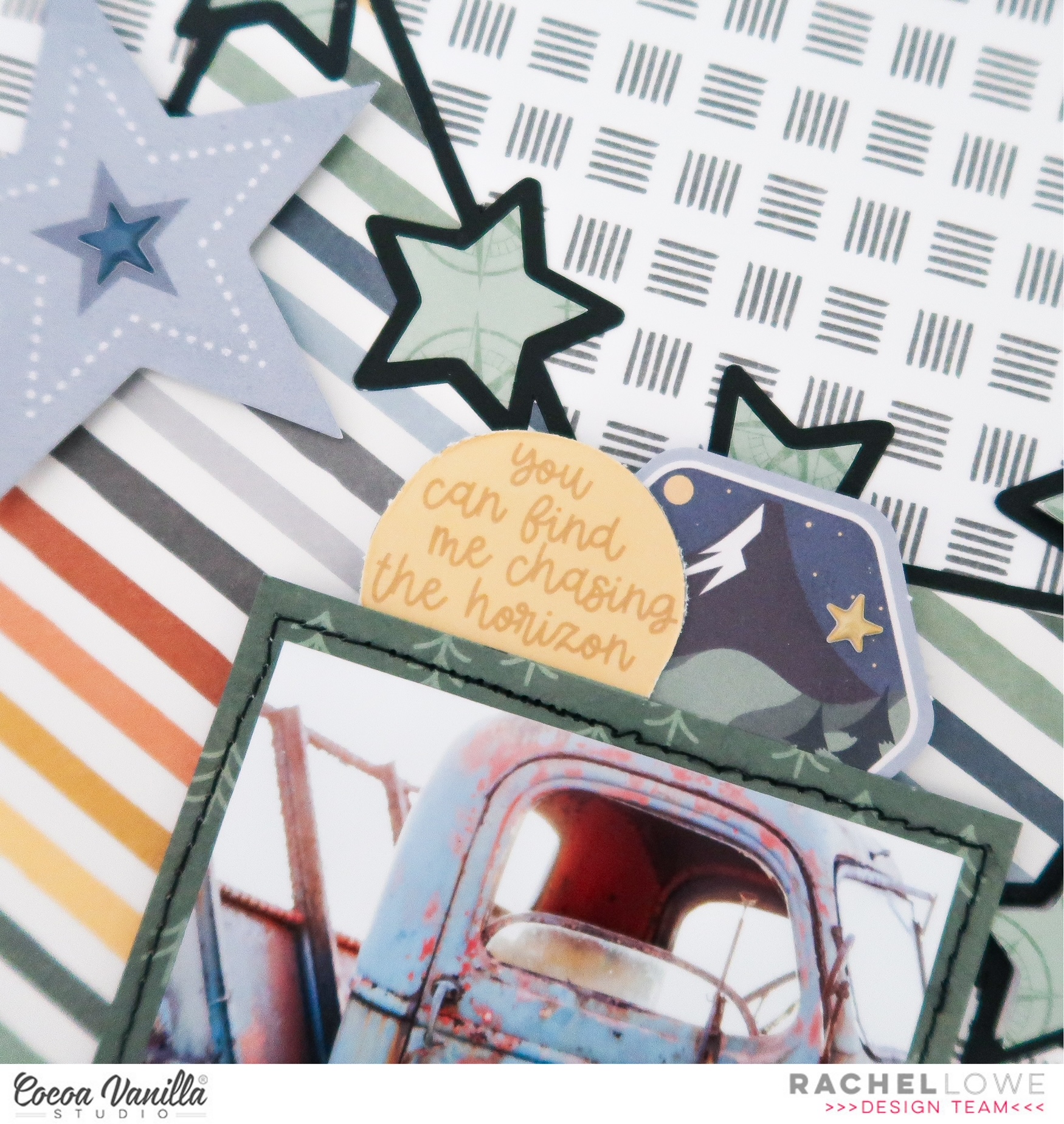
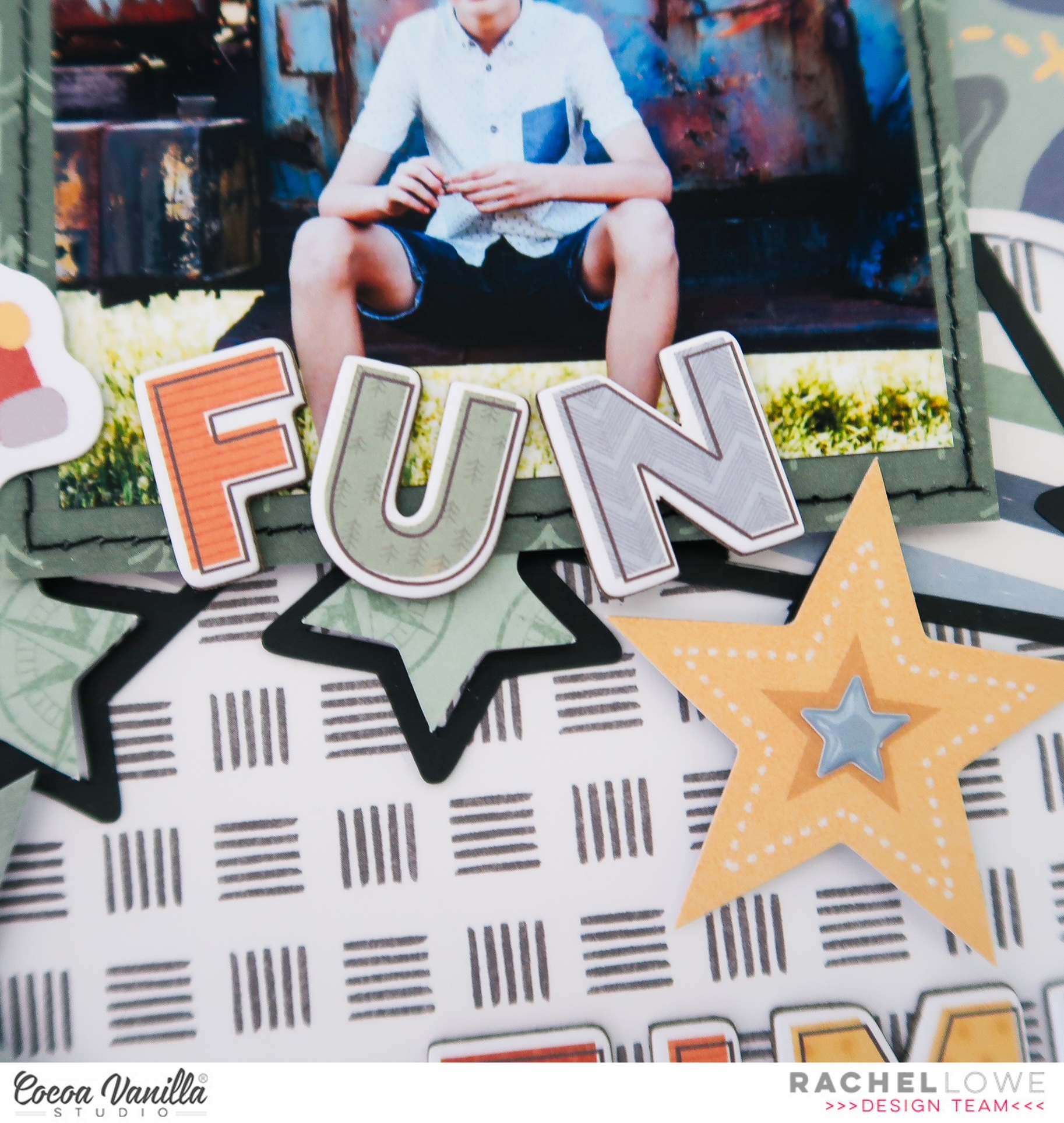
I added my 3×5 inch photo which I matted on a paper from the A5 paper stack and added black machine stitching to create a border. I added two stickers to the top of my photo from the Accessory Sticker sheet. I went back and added several of the larger Die Cut Ephemera stars and then Puffy Stickers to the centres.
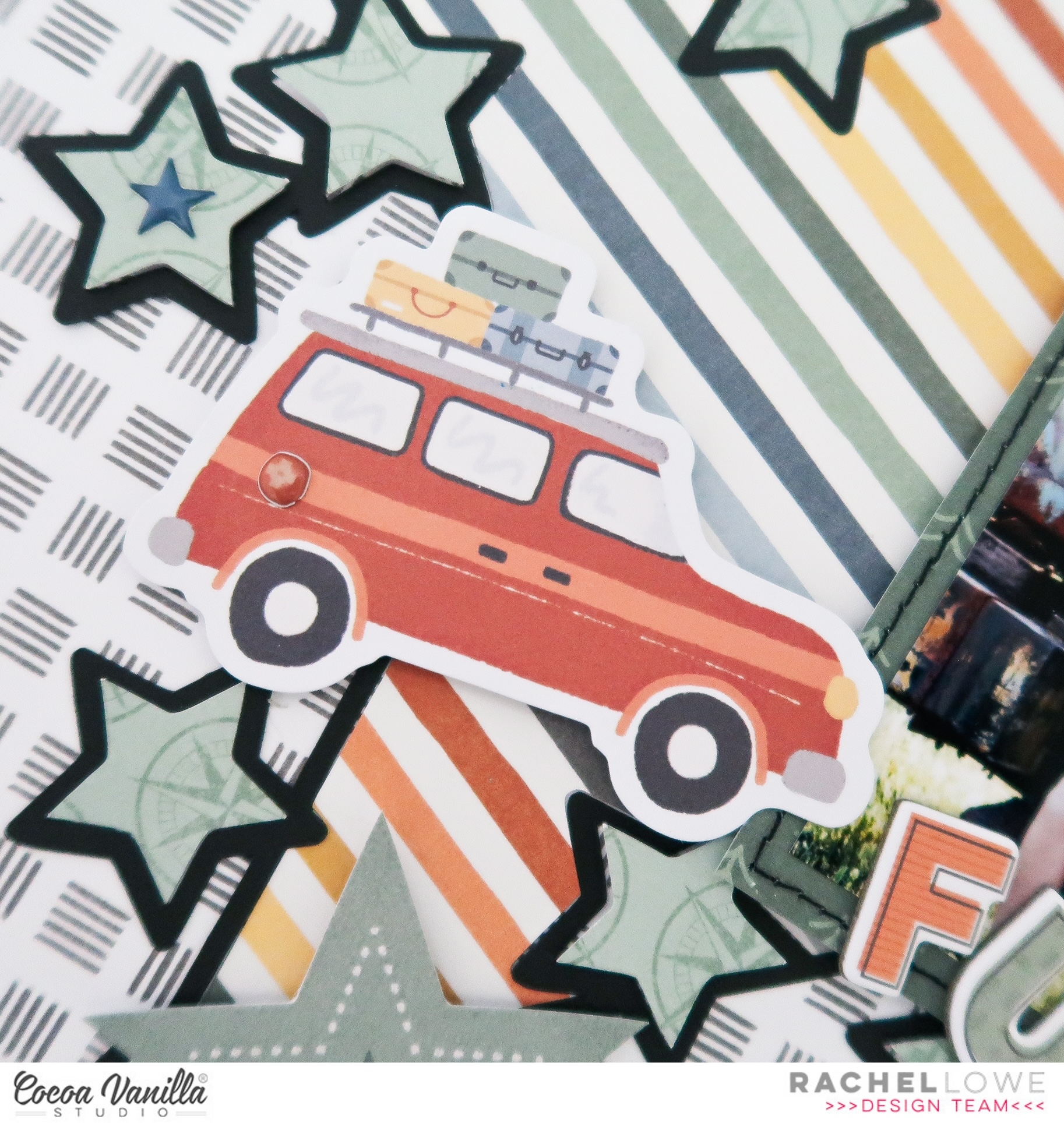
I then created an embellishments to each side of my photo, how cute is the car with luggage and map, perfect for my photo!
Next I used the Chipboard stickers to create my title, adding FUN to the bottom of my photo and TIMES under the photo, don’t be afraid to mix it up by making your title interesting in placement.
I used Wild Life paper as my background paper but felt it needed a darker contrast so add torn notebook edge (cut file from the Silhouette Design store) using Starry Night paper and finished off by adding black sitting to these.
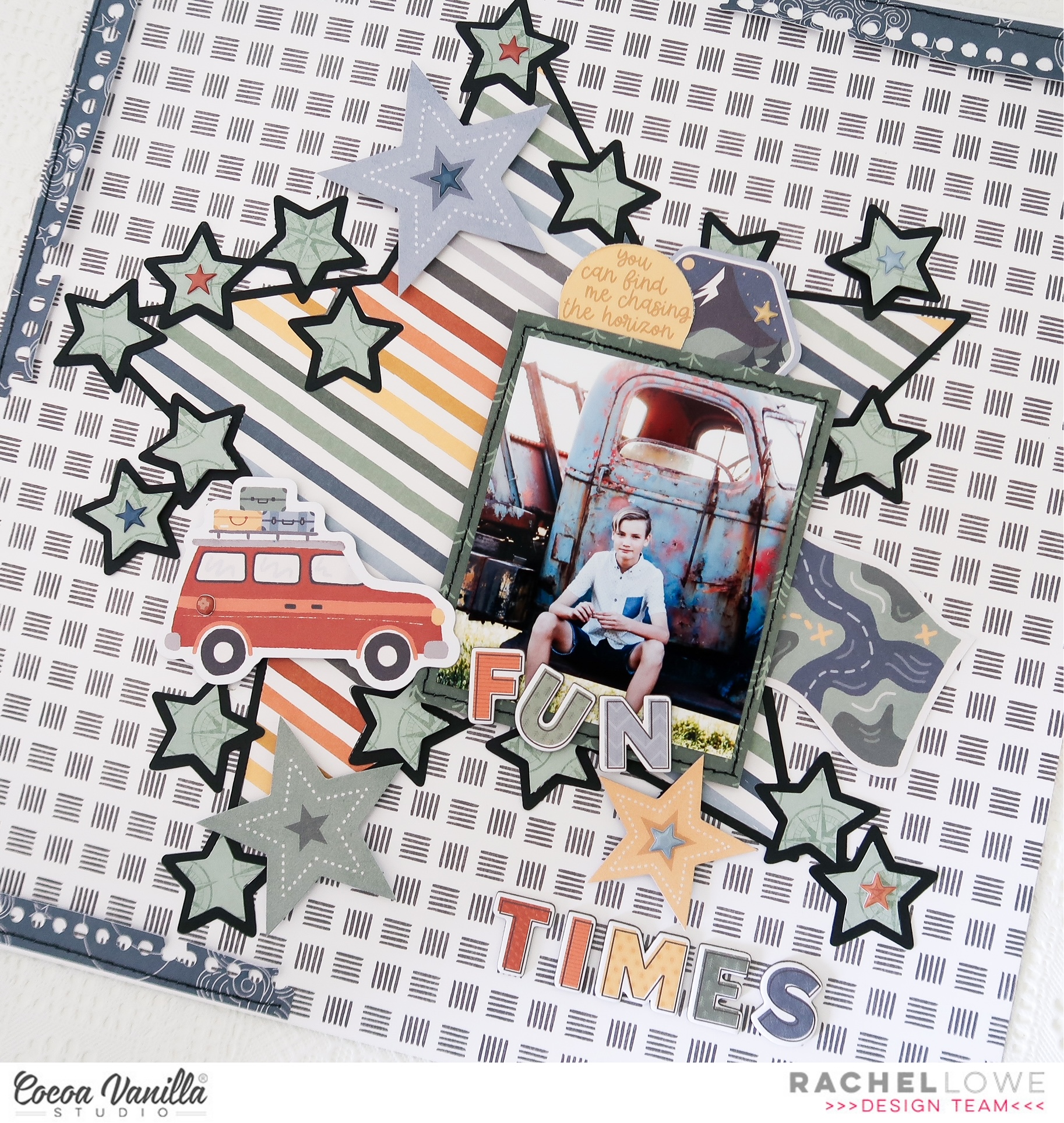
This is a ‘busy’ layout for me but I love how it turned out!
Thanks for stopping by today and see you agin soon.
Rachel
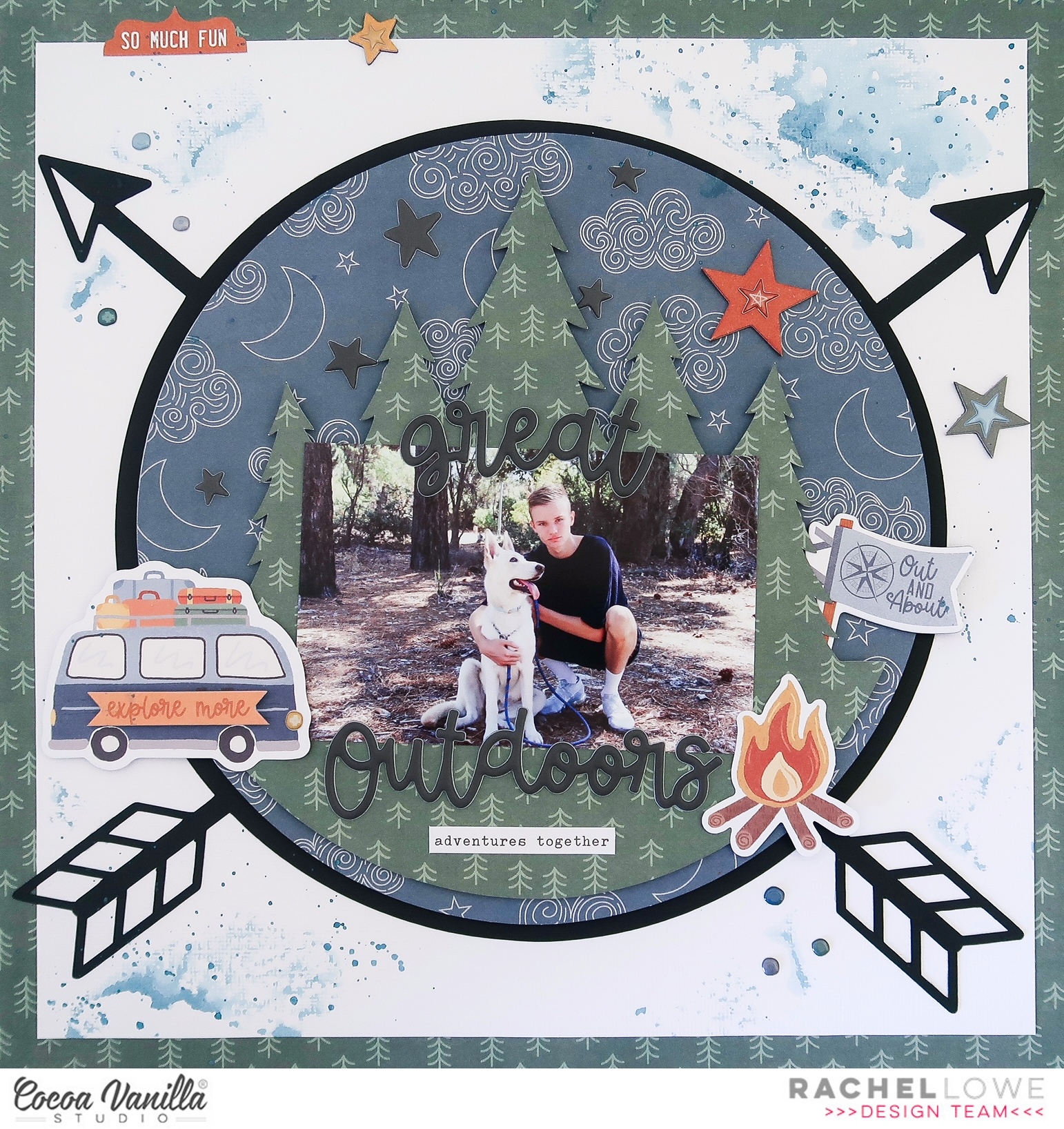
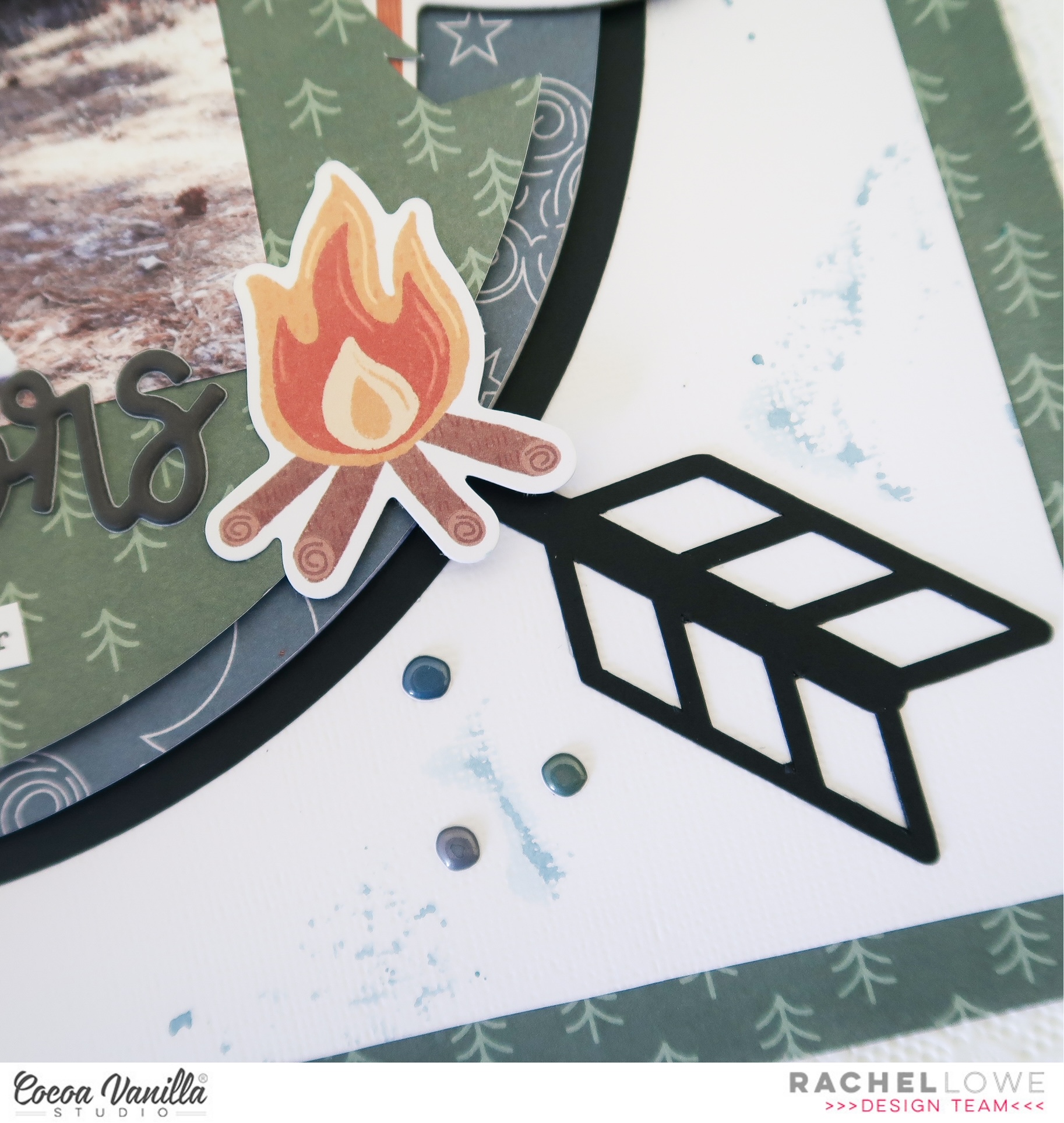
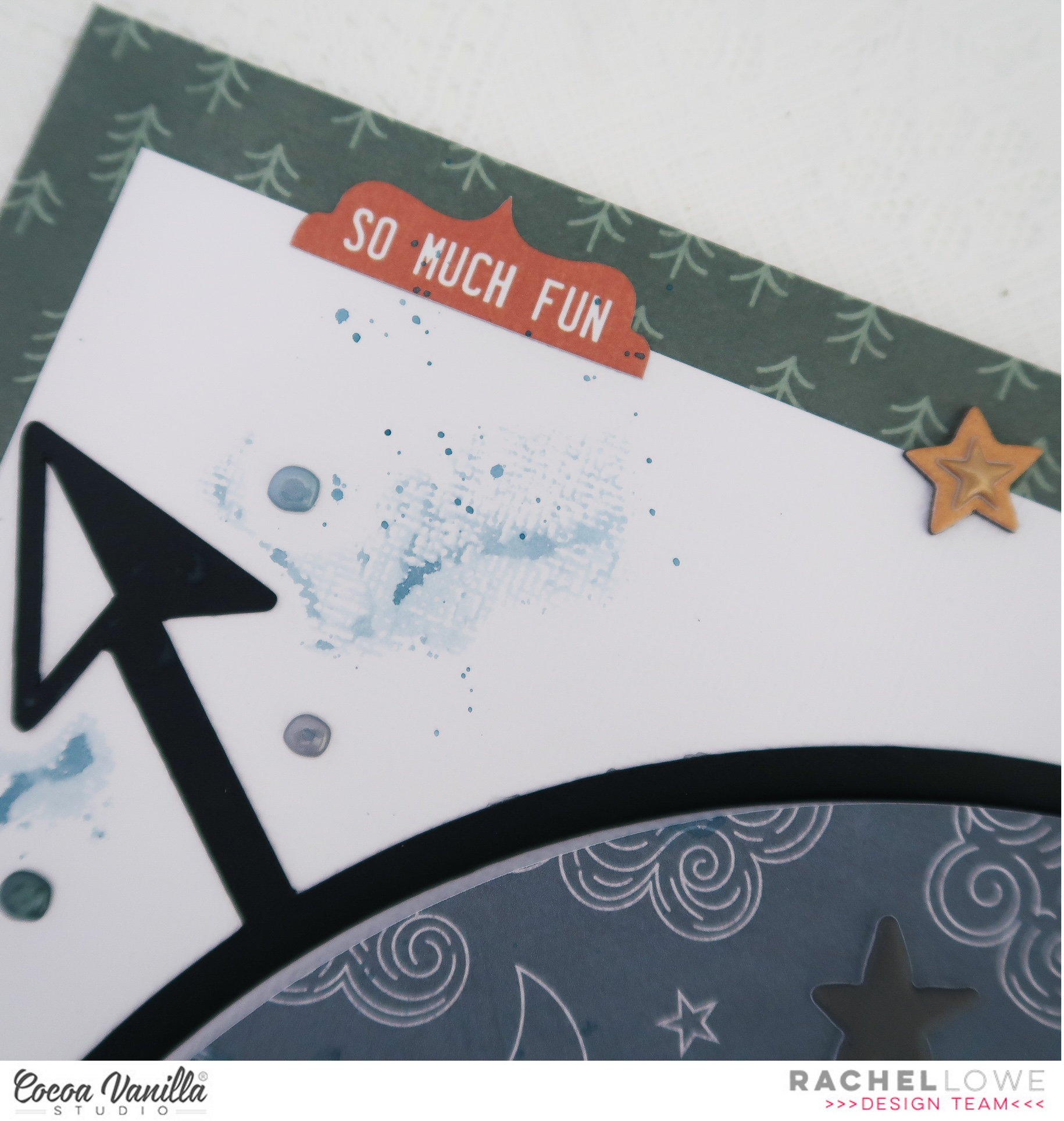
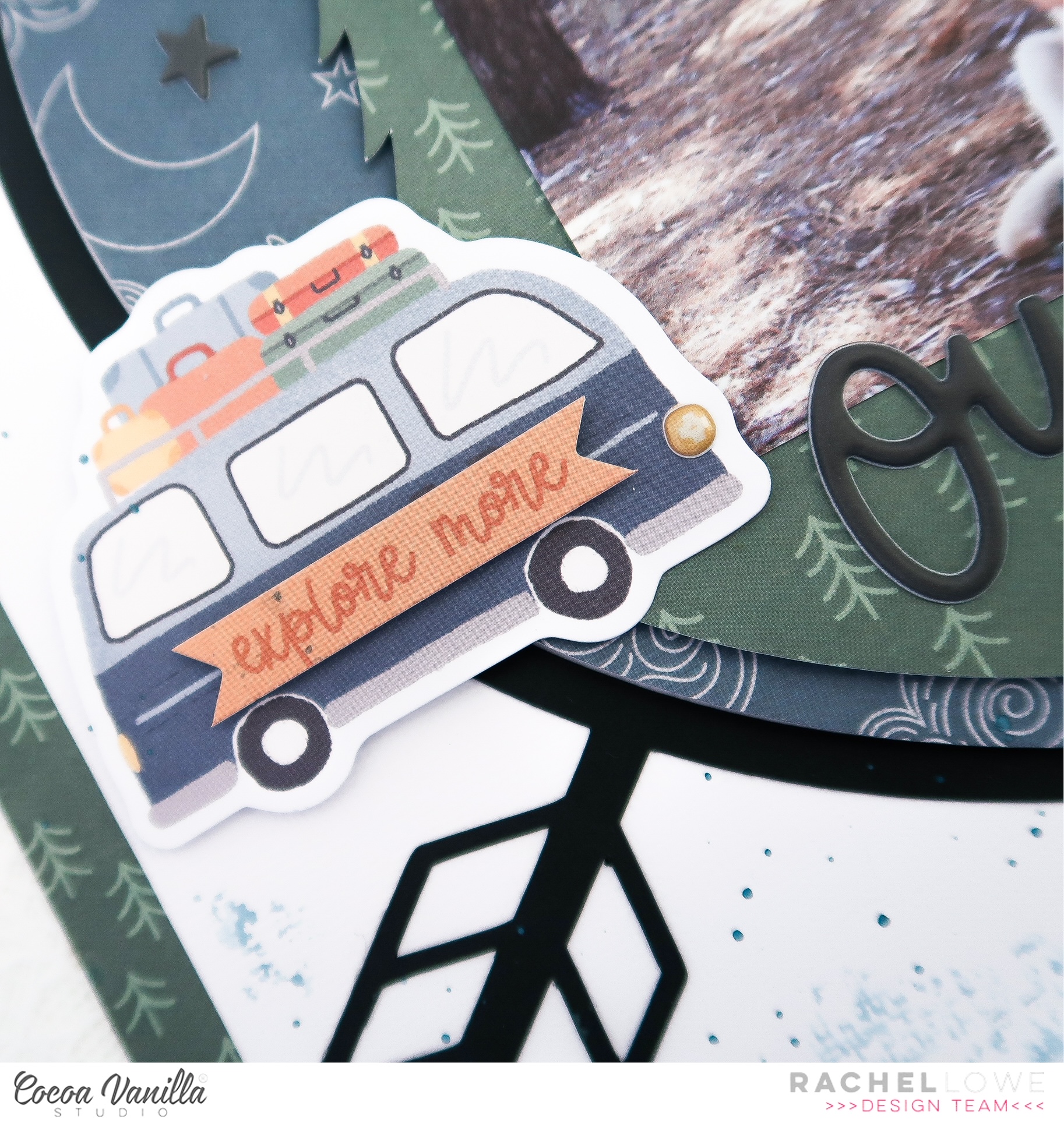
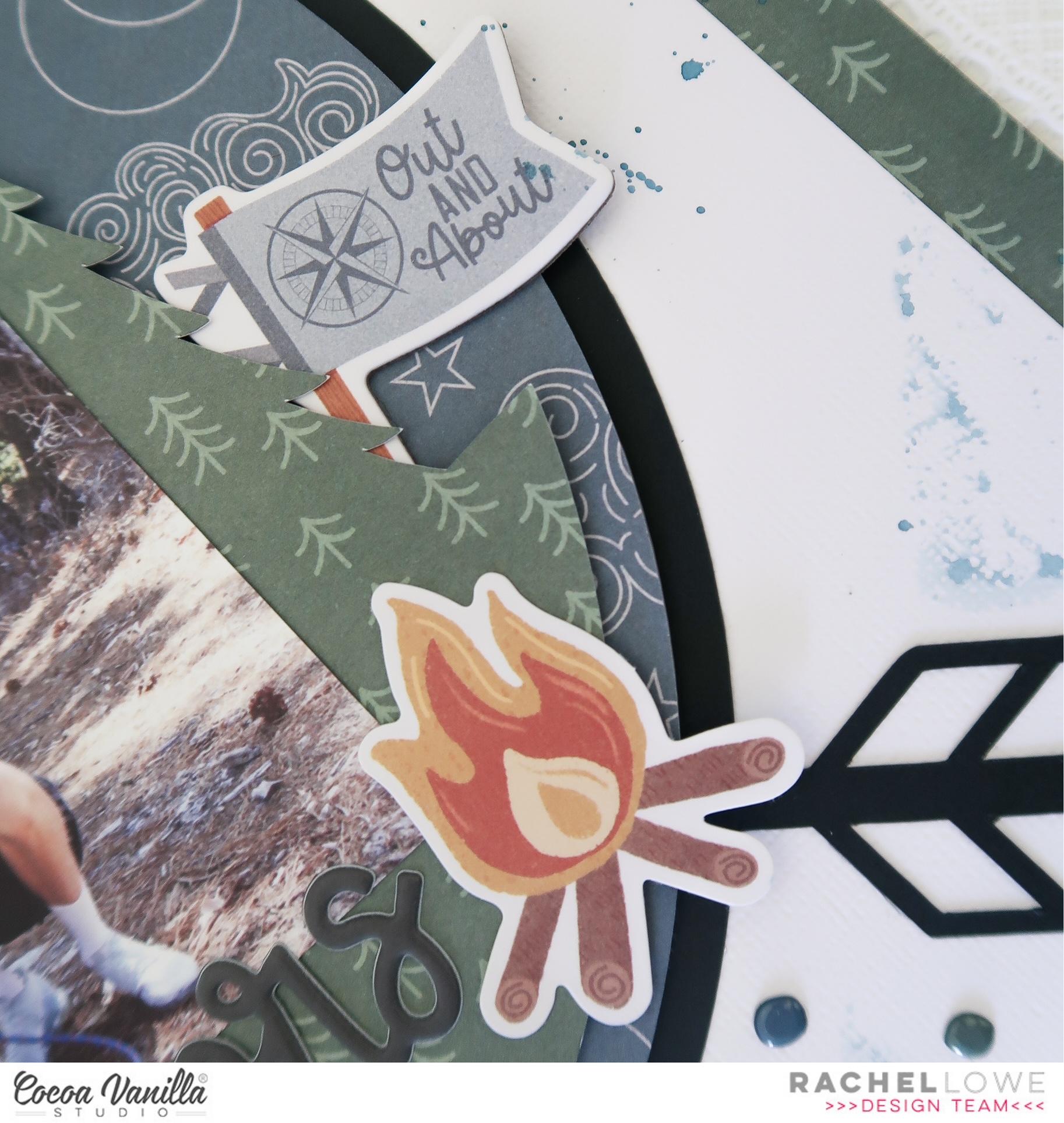
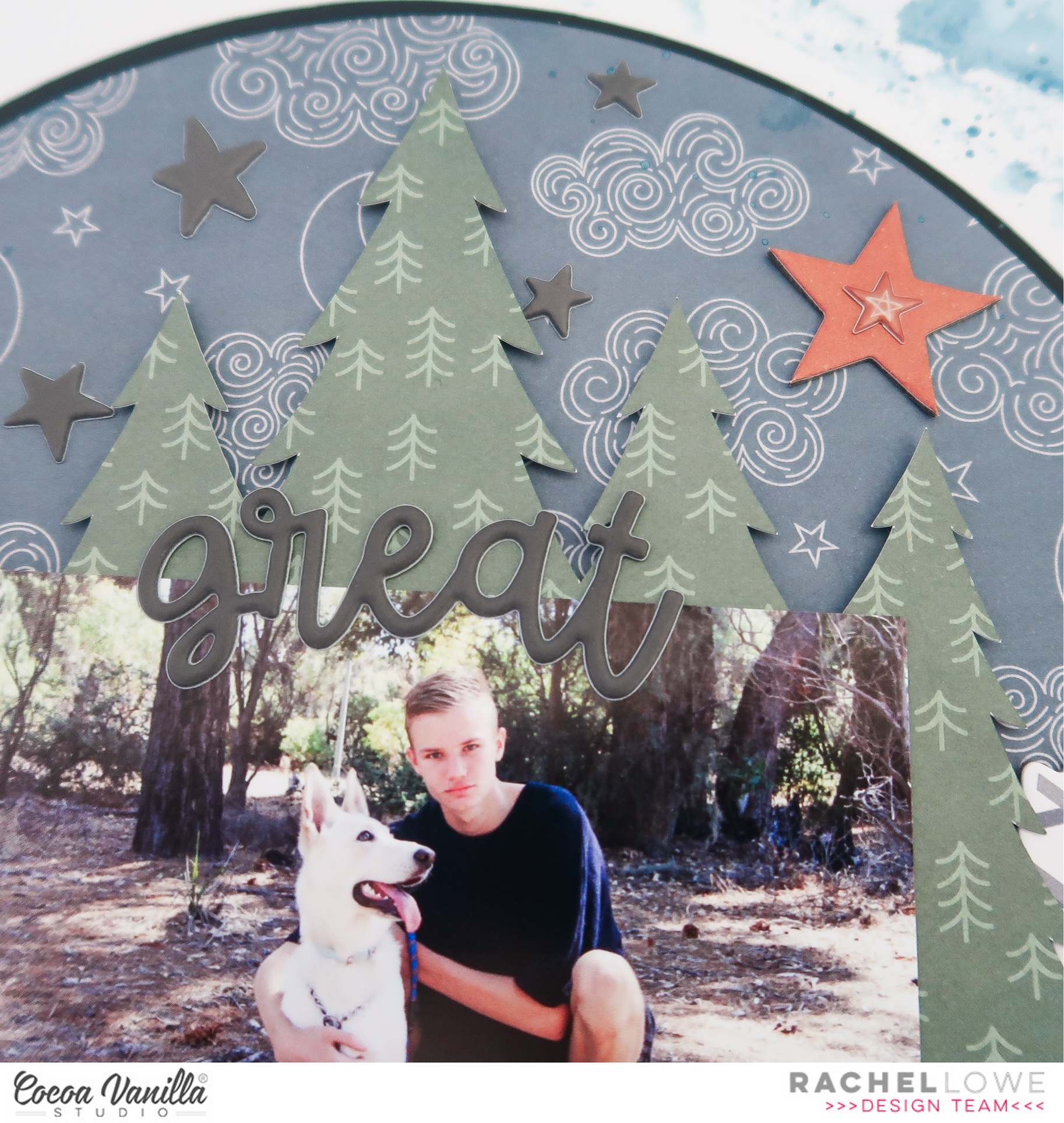










 I used two cut files on this layout. The deer in the background I cut out twice and glued half on top of each other. The cut file is from the Cricut design studio. The “Outdoor Adventure” title is a cut file from Cut to You. I cut a circle from the design paper and stitch the edges with brown sewing thread. I place the circle in the center of the mixed media background. I placed the deer on top and cut some design paper to size and glued it behind my son’s photo. I placed the design papers with the photo on top of the cutfile. I use 3D foam to create more dimension.
 I make a cluster of die-cuts and word strips on both sides of the photo. I stitched the words “So Epic” in the middle. I colored the cutfile title with a green Distress Oxide color. The color I used for that is “Peeled paint” I cut out several stars from the design paper and placed them in different places on my layout.
 I attached the stars with 3D tape. I like the way the stars. stand out a little from the background. I mix the white gesso with water and with a thin brush I make white gesso splatters on my layout. I like the effect. I think Legendary is a great collection with pretty cool colors. I am so happy that No Limits will be the next wonderful boys collection from Cocoa Vanilla Studio!
 I hope I was able to inspire you with this boys layout and am curious if you are also looking forward to the new collection “No Limits” I want to thank you for visiting for the blog today and hope to see you again next time with a new project.